Vision Research, Inc. | Phantom Ultrahigh-Speed Camera Manual
CAPTURE A CINE
Capture a Cine file to RAM:
Ensure camera is in ‘Capture’ mode.
Tap the ‘Trigger’ button to trigger the camera once the event happens.
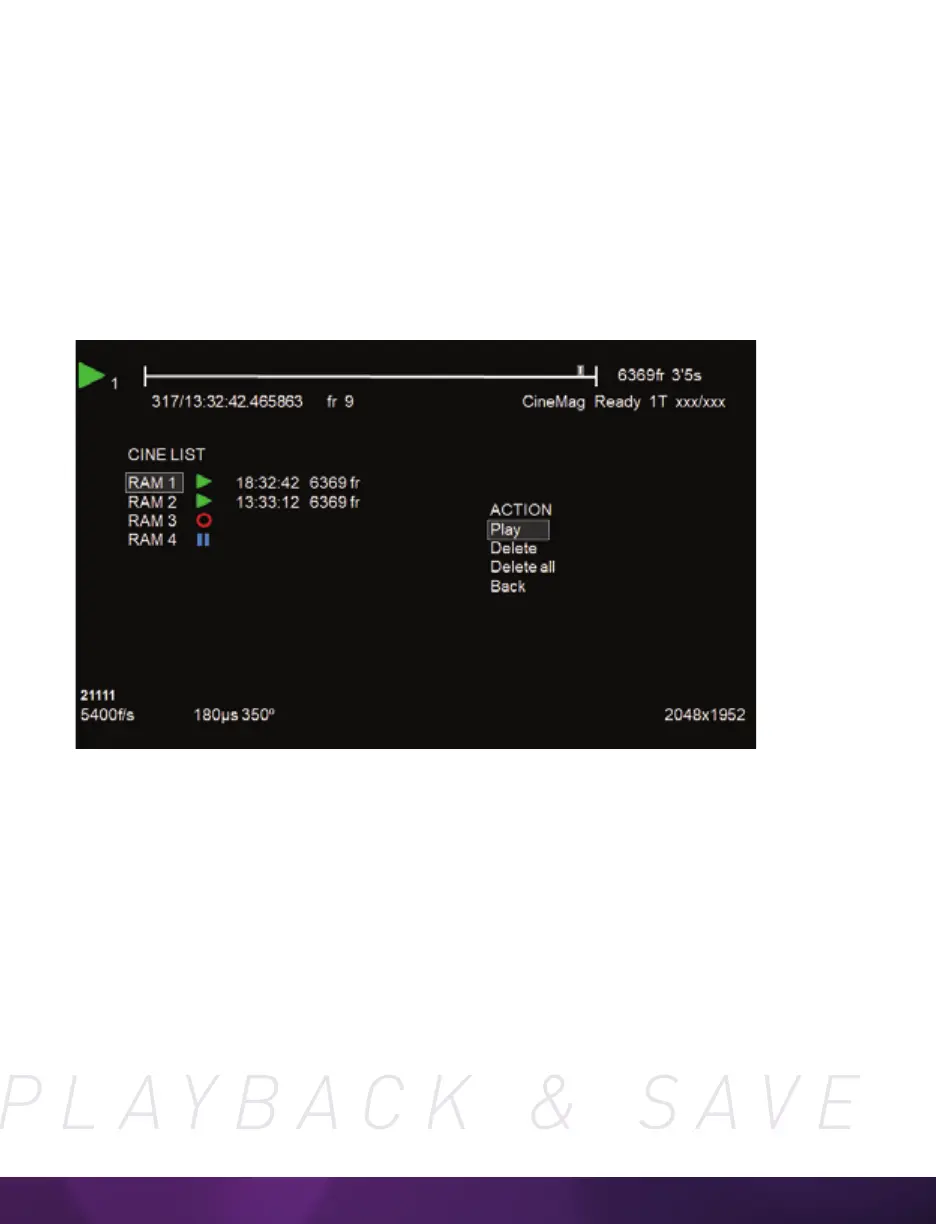
With Cine in RAM, tap the ‘Playback’ button. The video output will switch to playback
view, where you must select the Cine for playback. In the case of Multi-Cine
(partitioned) RAM, there will be more than one RAM Cine present.
Once the take is selected, there are options to ‘Play,’ ‘Delete,’ ‘Delete All’ or ‘Go Back.’
Selecting ‘Play’ will close the menu and the video will begin to play forward.
Use the ‘Play Forward’ and ‘Play Backwards’ buttons and the menu knob to scrub
through the Cine. A long press on the forward or reverse buttons will start a fast-
forward and fast-reverse playback.



 To Next Page