Chapter 8: Measurements | 51
MEASUREMENTS
INTRODUCTION
Included in PCC is a set of 2D motion analysis tools which go a step beyond the visual
when it comes to providing valuable data about the subject. Analysis can perform timing,
position, distance, velocity, angle and angular speed measurements, as well as track
multiple points to compute and graph their XY-coordinates, speed or acceleration. The
interface can also harmonize this measured data with images.
This chapter reviews various PCC measurement capabilities. Further documentation,
including step-by-step procedures, can be found in the PCC help documentation available
within the software.
TIMING MEASUREMENTS
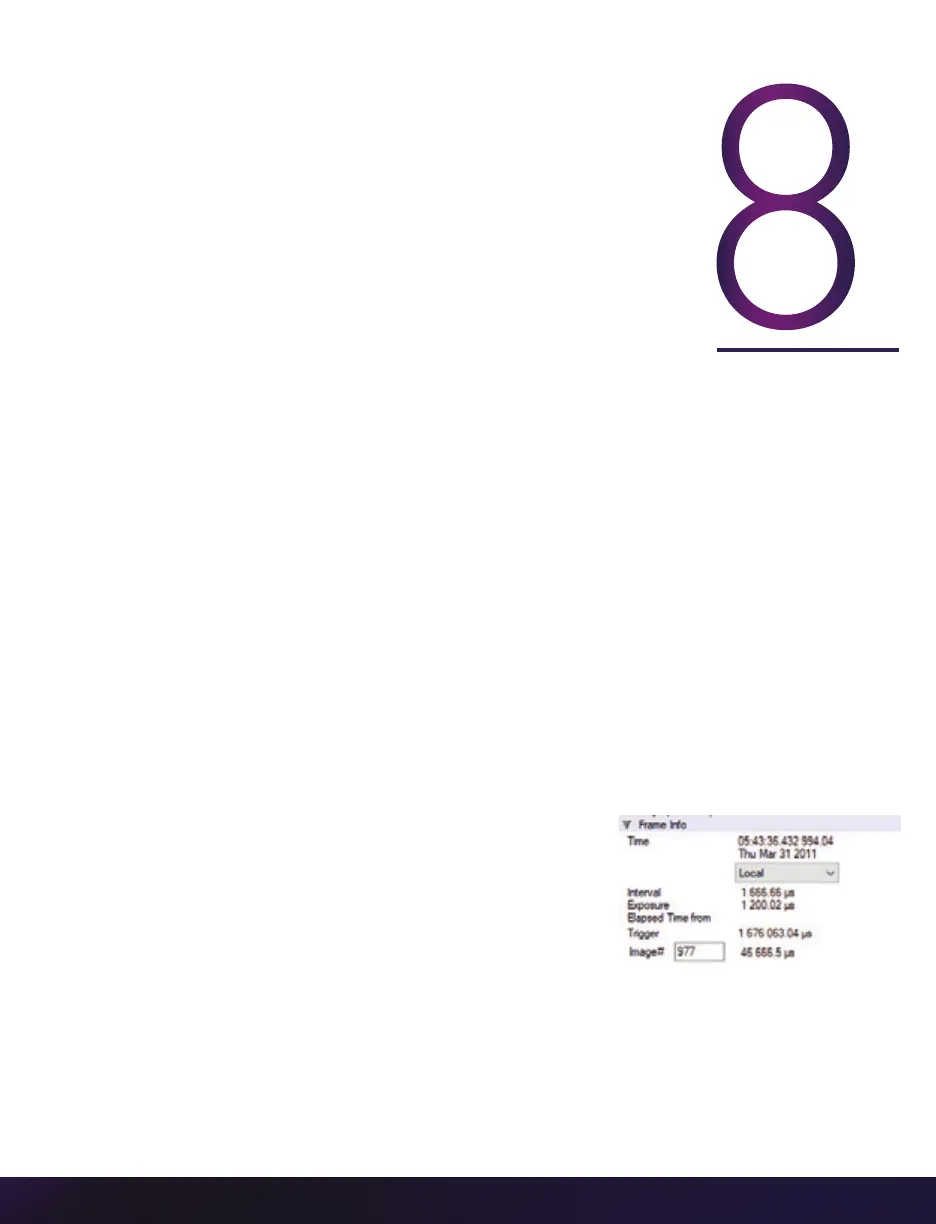
PCC utilizes the timestamp (date and time) embedded
in every frame captured to accurately calculate time
differences between two images (start/end of an event)
or from the image being displayed in the ‘Playback’ panel
and the trigger (t0) frame automatically.
To perform a timing measurement, click the ‘Frame
Info’ selector. Locate the first image of the event and enter its image number (found above
the center of the Cine editor bar) into the ‘Elapsed Time’ from: ‘Image#’ data entry field.
Advance the Cine to the end of the event image.
PCC displays the time difference between the two images (start/end of event images) next
to the Elapsed Time from fields; Elapsed Time from Trigger and Elapsed Time from: Image#.


 To Next Page
 Loading...

