Vision Research, Inc. | Phantom Ultrahigh-Speed Camera Manual
UNITS OF MEASUREMENT
Establishing the measurement ‘Units’ is an important first step to using the measure
functions. ‘Units of Measurement’ specify the computing and reporting units for
distance, speed, acceleration, angle and angular speed measurements.
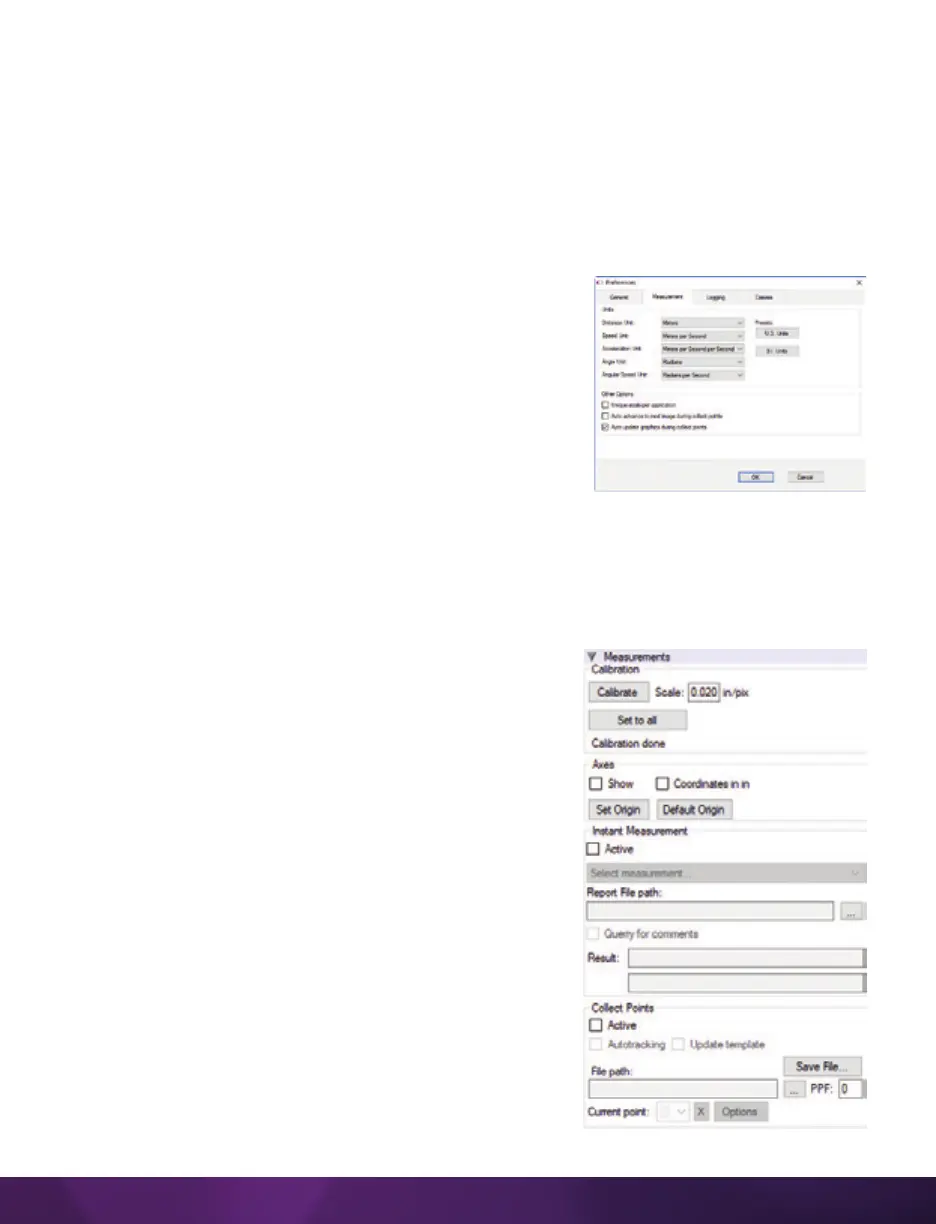
Define the ‘Measurement Units’ in the ‘Preferences’ menu, accessible by clicking the
wrench button from the ‘Manager’ tab. Open the ‘Measurement’ tab and select desired
measurement ‘Units’ and ‘Other Options.’
‘Other Options’ in ‘Measurement Preferences’ include:
Unique scale per application: When enabled, the same
scale will be applied to all subsequent opened Cines.
Auto advance to next image during collect points: The
Cine advances to the next image automatically once
all the collect (tracking) points have been manually
specified on the displayed image. This option should be
disabled (unchecked) if auto tracking points is to be used.
Auto update graphics during collect points: A graphical display of the tracked points
will overlay the images during the collect point process.
MEASUREMENT SELECTOR
PCC measurement functions are found in the ‘Play’ tab
and will work with saved files (Cine Raw or converted
files) or directly from the camera’s RAM playback.
Calibration: To define a measurement scale, the first
step is to use the ‘Calibrate’ function in the image with
a known scale.
Click the ‘Calibrate’ button and specify both ends of
the scale by clicking both end points of the scale. In
the ‘Set Gauge’ dialogue window, enter the scale size.
Once created, all measurements are computed and
displayed using the scale unit.
Axes: Coordinate measurements are calculated from
an ‘Origin’ point pixel, by default the top-left corner of
the image. However, the ‘Origin’ can be changed when
performing measurements. Each coordinate consists
of two numbers (x1, y1) indicating the position of a pixel
in the image on the two-dimensional plane from the
‘Origin’ point.



 To Next Page
 Loading...
