7
Phantomgogo APP
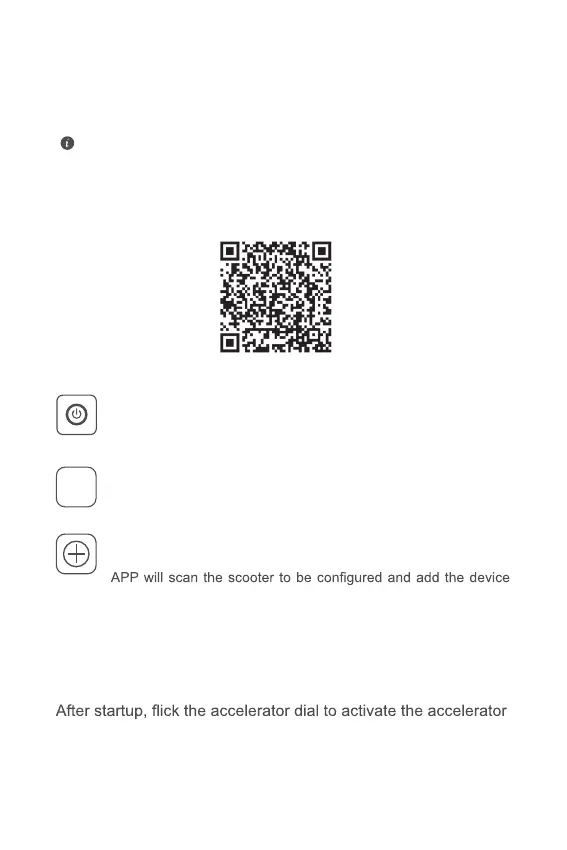
Scan QR code with your mobile phone to download and install the APP.
If the APP has been installed on your mobile phone, make sure
that the APP is the latest.
STEP 1
Press the button to turn on the scooter and then turn on the
Bluetooth function of your mobile phone.
Open the Phantomgogo APP. Please register/log in to your account
according to the app instructions.
STEP 2
APP
STEP 3
On the APP homepage, select “Search the binding”. The
according to the prompt in the APP interface.
Zero Start / Non-zero Start Mode
1. Zero Start Mode:
.
2. Non- zero Start Mode:
After startup, the accelerator can be started only when the initial
speed is ≥ 2.5 mph with the help of feet.
3. The factory default of scooter is non-zero start mode.


 To Next Page