9
‘Measurement and Recording’ Operation
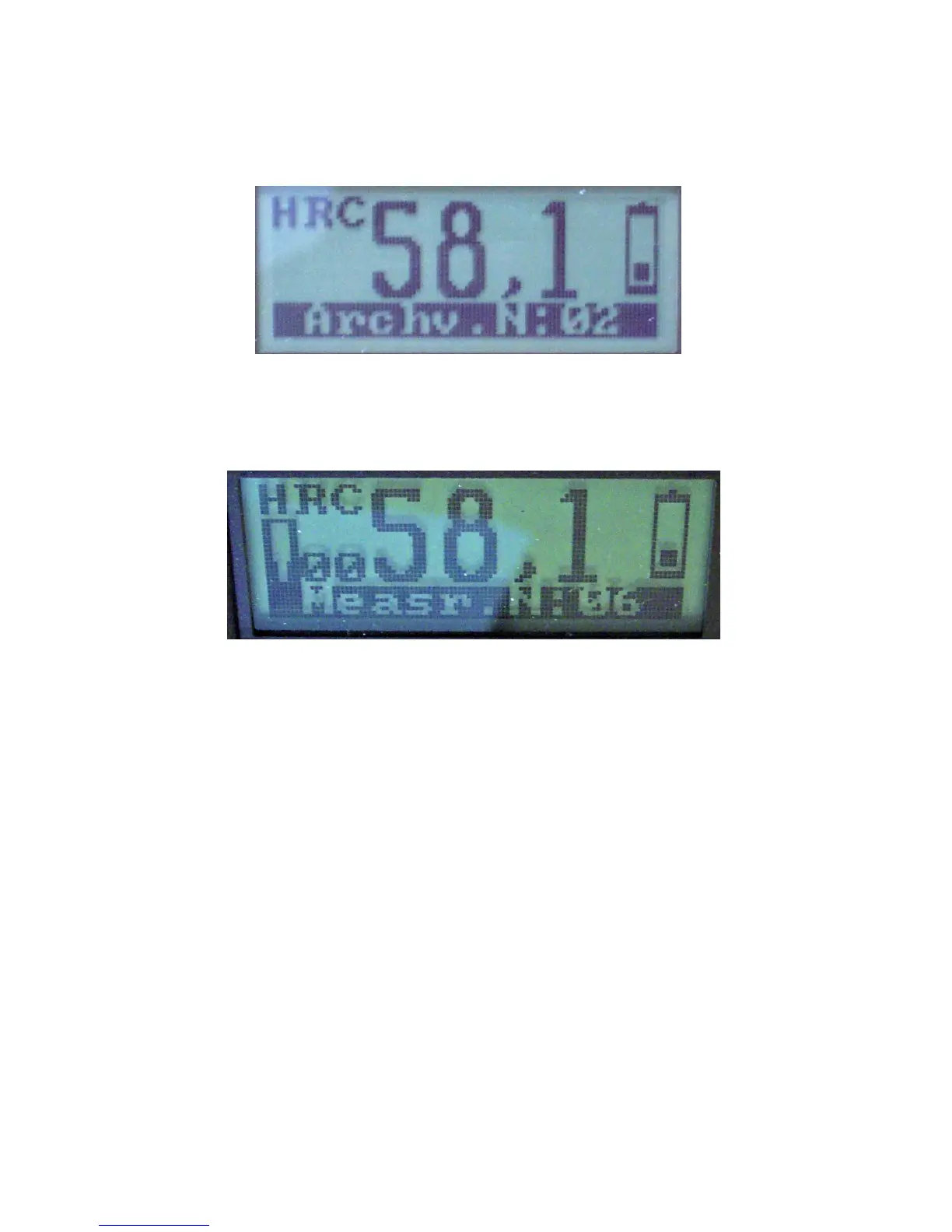
Start ‘measurement and recording’ operation by pushing Ð button in order to finish and go out from the
‘archive’ operation. Indication on the display is shown on the figure below.
Ð
To obtain the mean value of your latest archived results, press the Ð button.
After the mean value computation, the hardness tester will automatically start the ‘archive’ operation for
you to save the obtained results. If you do not want to save the results and want to continue your
measurement, push Ð button to switch to ‘measurement and recording’ operation.
Deleting Test Results (Measurement mode only)
After you have taken a test you should push the Í button. This will delete that test result and the
display will then show the previous test result. If your test result is erroneous for any reason, you
should delete that result so it does not skew the overall average of your testing.



 To Next Page