H 101
Getting Started
Image orientation detection
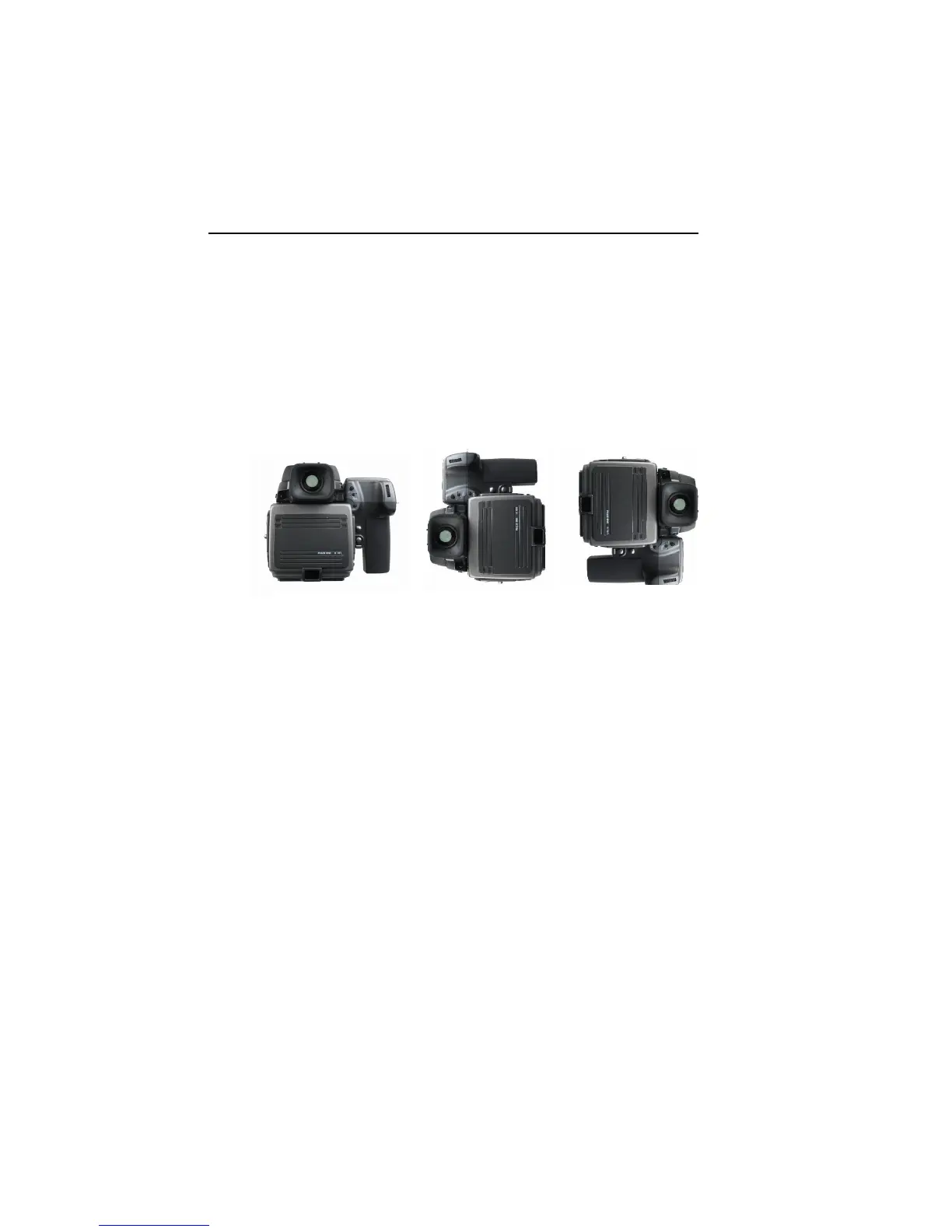
The CCD in H 101 is positioned in landscape orientation.
Whenever an image is captured in portrait position by rotat-
ing the camera, an internal sensor detects this new position
and the image will appear as a correct image in the Capture
One application.
IR filter on the CCD
The IR filter (Phase One TG1 Infrared cut-off filter) is placed
on top of the CCD.
The filter may not be removed for several reasons.
l The focusing of the H 101 camera back will be damaged
l It is only possible to remount the filter without dust in
between the filter and the CCD if you have access to
special clean room facilities.
l The Phase One Product Warranty is terminated.
Camera orientation:
Images can be captured in all three positions - and will appear
with the correct orientation in the Capture One software.



 To Next Page