H 101
Getting Started
7
3 Getting ready for
taking pictures
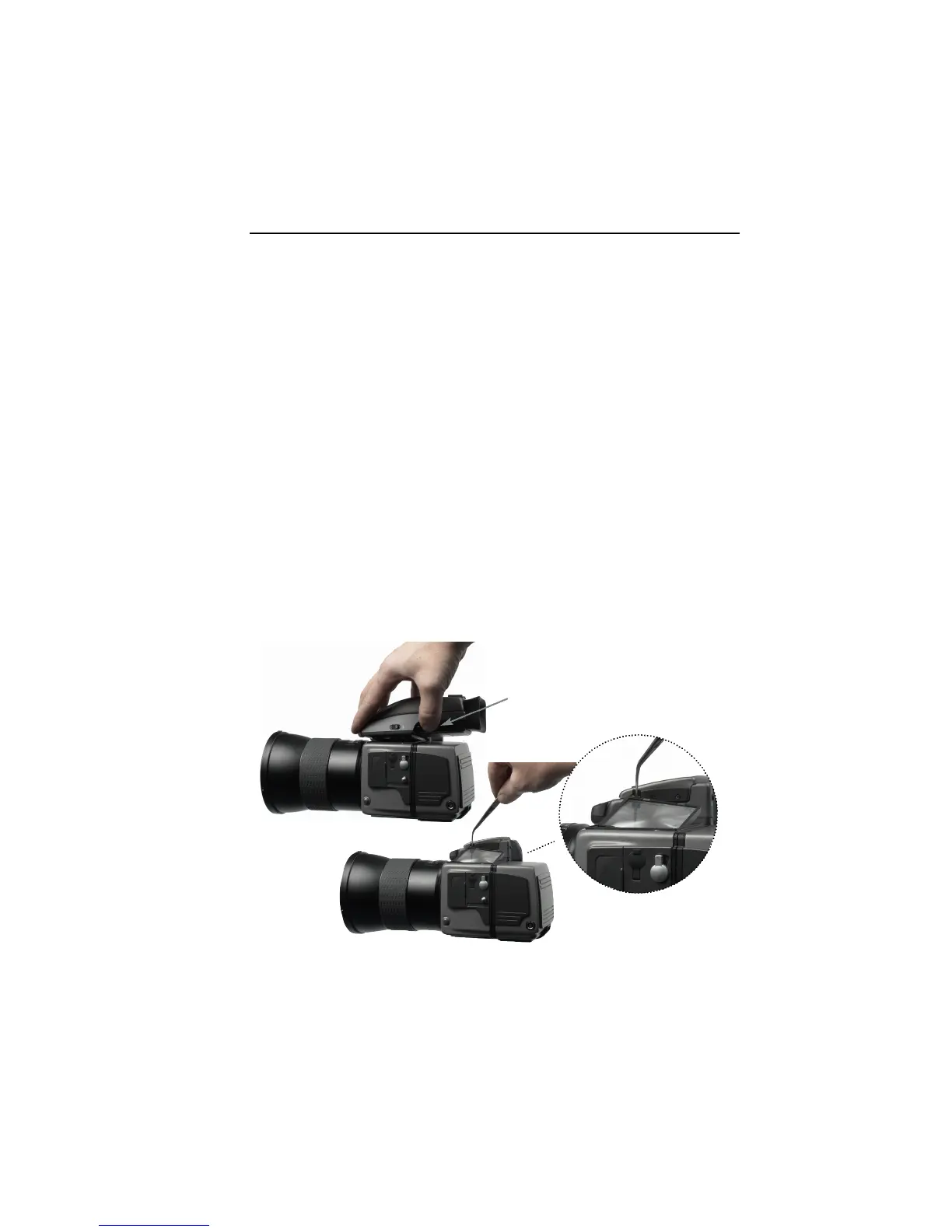
Mounting the viewfinder mask
The image area of the Hasselblad H1 is approximately 6 cm
x 4.5 cm. The image area of the H 101 is 2.4 cm x 3.6 cm.
A H 101 viewfinder mask is provided. This mask has to be
mounted instead of the original focusing screen. The
viewfinder mask is positioned in the bracket that holds the
focusing screen.
To get to the
viewfinder mask press
the small black button
placed in the left corner
of the viewfinder top.
Lift the mask
up by pulling
the small tap
in the upper
right corner.



 To Next Page