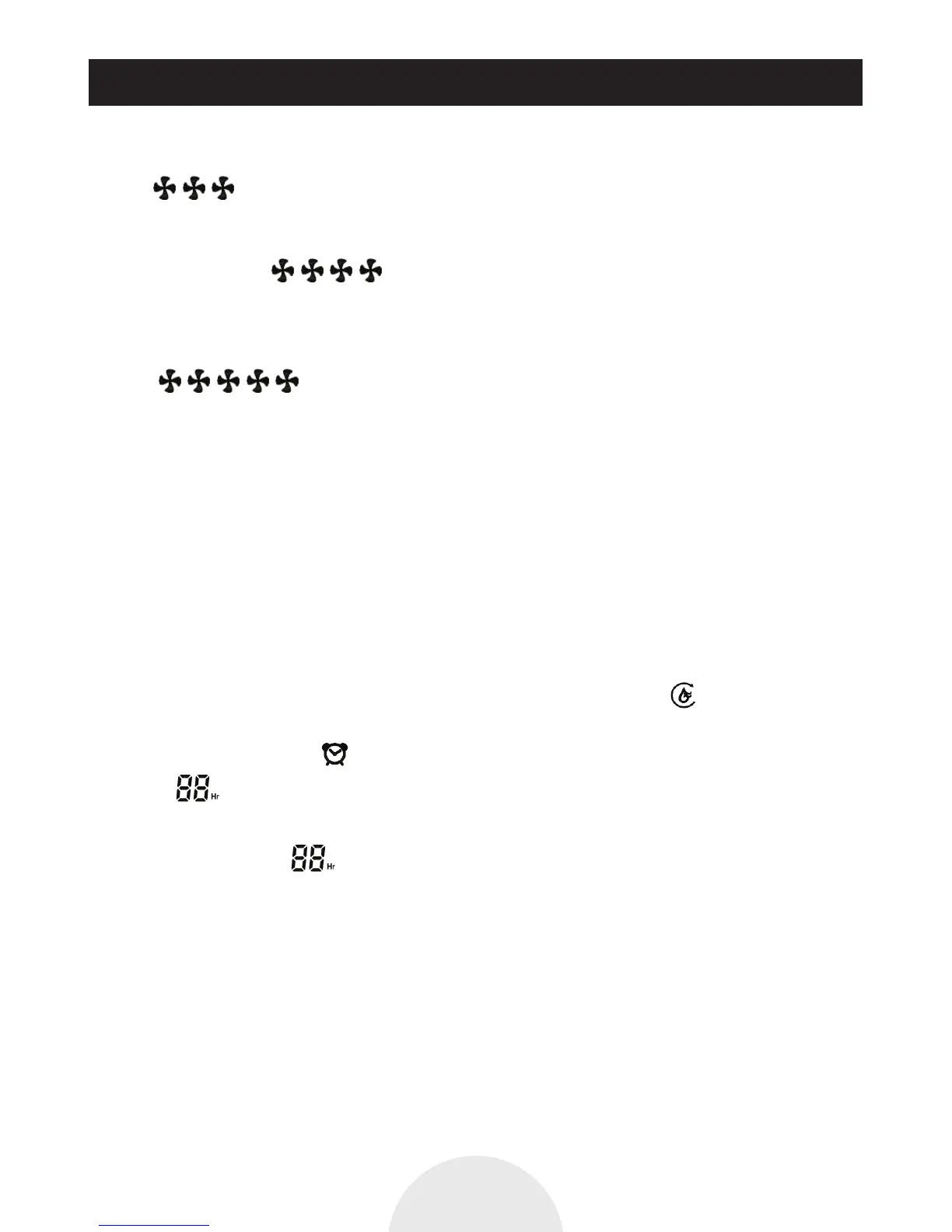
When detecting the humidity of the environment 66%RH~70%RH, machine dehumidification,
dehumidification icon display, fan speed automatic switching for speed 3, display 3 fan
icon
When it is detected that the environmental humidity is greater than or equal to 71%RH, the
machine dehumidification, dehumidification icon display speed automatic switching of speed 4,
display 4 fan icons
The drying operation mode: icon display, the machine in the drying operation mode, the
machine for continuous and open desiccant dehumidification, not controlled by a humidity
level, the wind is the most strong dehumidification function when (speed 5), shows 5 fan
icon The fan speed key cannot adjust.
4. Setting humidity: touch (humidity setting), can be set to the desired key, environment humidity,
digital display from CO~35%~40%... 50%... 75%~80%~CO...... Circulation, stop humidity
settings, digital display by the expected environmental humidity setting value to display the
current environment humidity value.
CO is indicated a continuous dehumidification, dehumidification equipment without humidity
setting , no humidity control
Example: in the dehumidification operation:
Set the 50%--- expectations of environmental humidity value is 50%, when the appliance detects
that the current environment humidity is greater than or equal to 52%RH, the appliance start;
when the appliance detects that the current environment humidity is less than or equal to
48%RH,machine stop dehumidification, dehumidification icon flashes (if the machine start,
stop flashing). (Note: Only during running dehumidifying mode has this function.)
5. Regular shutdown: touch (timing shutdown) key, sets the machine shutdown time.
Digital display 1Hr~2Hr... 5Hr... 11 Hr~ 12Hr, no display
Double 8 digital no displays, no setting time to shutdown appliance.
For example: Digital display 5 Hours, it indicated shutdown time is 5 hours, over time
and display the preset time remaining, finally timing time machine automatic shutdown.
In the timing process (turn off), a touch key, machine stop working, the timing of the remaining
time to be cancelled.
If you run after setting the timing function, then touch the (time off) button to cancel the
original timing, then according to the set time to restart time (mode automatic shutdown
function begin to calculate 12 hours).
In the timing process, if the machines have the water tank is filled with water or defrost, timing
is still valid, until the timing time to machine automatic shutdown, machine stop working.
How To Operate
P12


 To Next Page