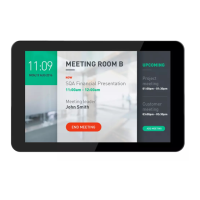
10BDL4551T
16
If Ethernet connected. The IP Address, Netmask, Gateway
and DNS 1/2 and are showing information given by DHCP
server.
(3). Turn On the Static IP through switch, if user want to
connect with Static IP. User can set IP Address, Netmask,
Gateway ,DNS 1/2 and when select “Static IP”.
Note:
Please input IPv4 address in all field; in dot-decimal
notation, consisting of four decimal numbers, each ranging
from 0 to 255, separated by dot.



 To Next Page