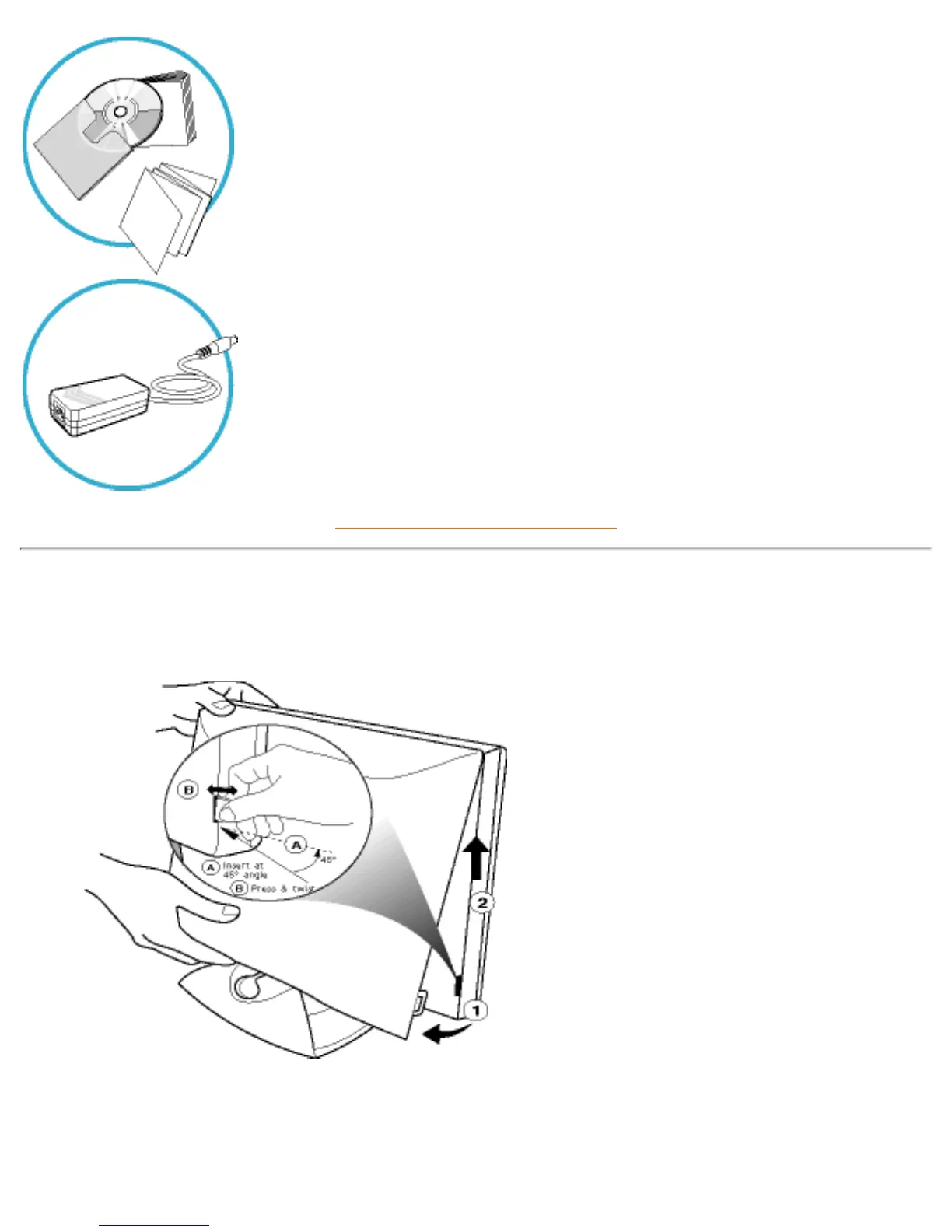
4) E-DFU package with Quick Setup Guide, Using Your Monitor Manual,
and CD-ROM.
5) AC / DC Adaptor
RETURN TO TOP OF THE PAGE
Connecting to Your PC
1) To remove the back cover, use a
coin to disengage the clips on each
side, then pull from the bottom at lift.
file:///D|/Philips LCD/english/150S/INSTALL/CONNECT.HTM (2 of 6) [1/20/2001 3:12:58 PM]



 To Next Page