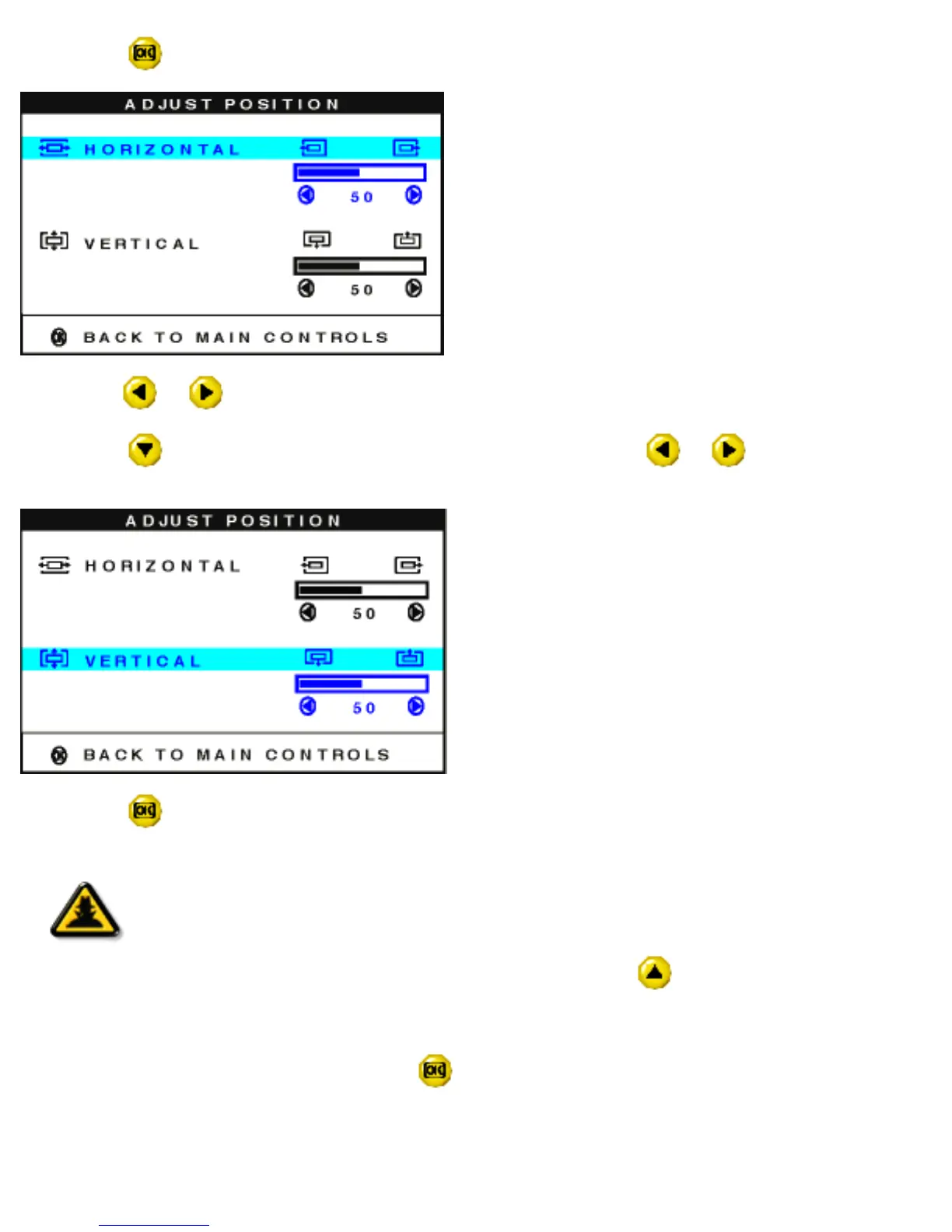
3) Press the button. The ADJUST POSITION window appears. ADJUST HORIZONTAL is highlighted.
4) Press the or button to move the image left or right until it appears centered.
5) Press the
button until ADJUST VERTICAL is highlighted. Press the or button to move the
image up or down until it appears centered.
6) Press the button to confirm your selections and return to the MAIN CONTROLS window. CLOSE
MAIN CONTROLS is highlighted.
Smart
Help
Smart Help
After returning to MAIN CONTROLS…
… to continue to BRIGHTNESS & CONTRAST, press the
button until
BRIGHTNESS & CONTRAST is highlighted. Next, follow steps 3 - 6 under
BRIGHTNESS & CONTRAST.
… to exit completely, press the button.
file:///D|/Philips LCD/english/150S/OSD/OSD_CONT.HTM (4 of 16) [1/20/2001 3:13:10 PM]



 To Next Page