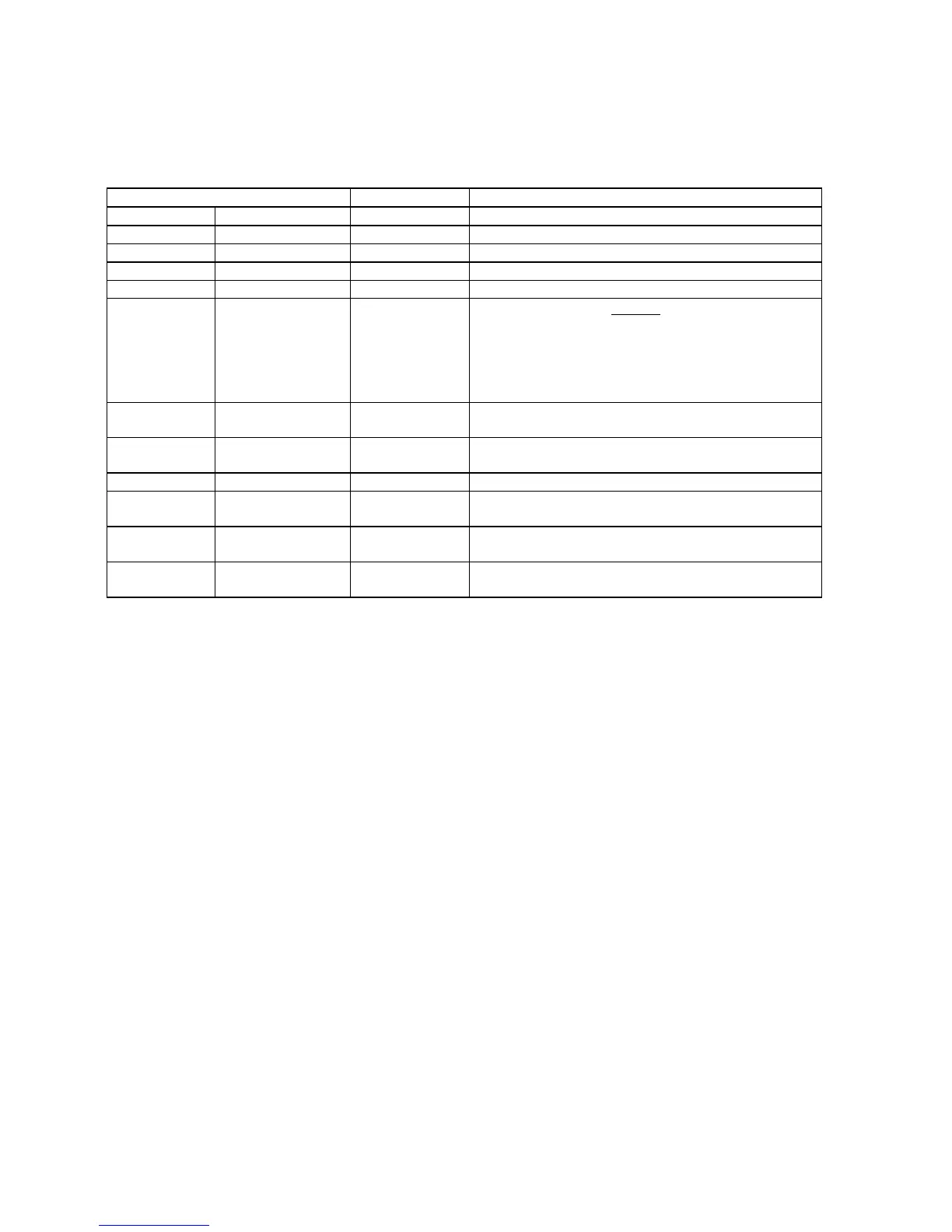
values.
DELTA COOL
GREEN
+1
DELTA COOL
BLUE
+7
WARM
DELTA WARM
RED
0
DELTA WARM
GREEN
-4
DELTA WARM
BLUE
-12
White Tone Adjustments:
Note: The following procedure was performed with a Sencore VG91 Universal Video Generator providing grey
scale bars.
1. Enter the Service Alignment Mode (SAM) by pressing the following key sequence on the remote control
transmitter:
0-6-2-5-9-6-Status
Do not allow the display to time out between entries while keying the sequence.
2. From the top level SAM menu, use the Menu Up/Down keys to highlight the White Tone sub menu.
3. Use the Menu Left/Right keys to enter the White Tone sub menu.
4. Set the VG91 Generator as follows: STD TV Ch. 3, RF-IF Range set to HI, RF-IF Level set to NORMAL (1),
Video Pattern = Raster, R-G-B raster controls OFF.
5. Connect the RF output of the generator to the Television Antenna Input, and adjust the VG91 level to
remove any snow from the raster.
6. Turn off chroma at generator and leave grey scale bars.
7. From the White Tone sub-menu, use the Menu Up/Down keys to select Normal Red, Normal Green, or
Normal Blue. Then use the Menu Left/Right keys to adjust the values to obtain the best white balance.
8. A reasonable starting point for NORMAL is:
Normal Red=37, Normal Green=33, Normal Blue=35
9. After NORMAL is set, use the same method to set DELTA COOL and DELTA WARM as offsets.
A reasonable starting point for DELTA COOL is:
Delta Cool Red=0, Delta Cool Green=+1, Delta Cool Blue=+3
A reasonable starting point for DELTA WARM is:
Delta Warm Red=0, Delta Warm Green=-6, Delta Warm Blue=-5
10. After the values are set, or if no changes are required, press Menu to return to the top level SAM menu.







 To Next Page