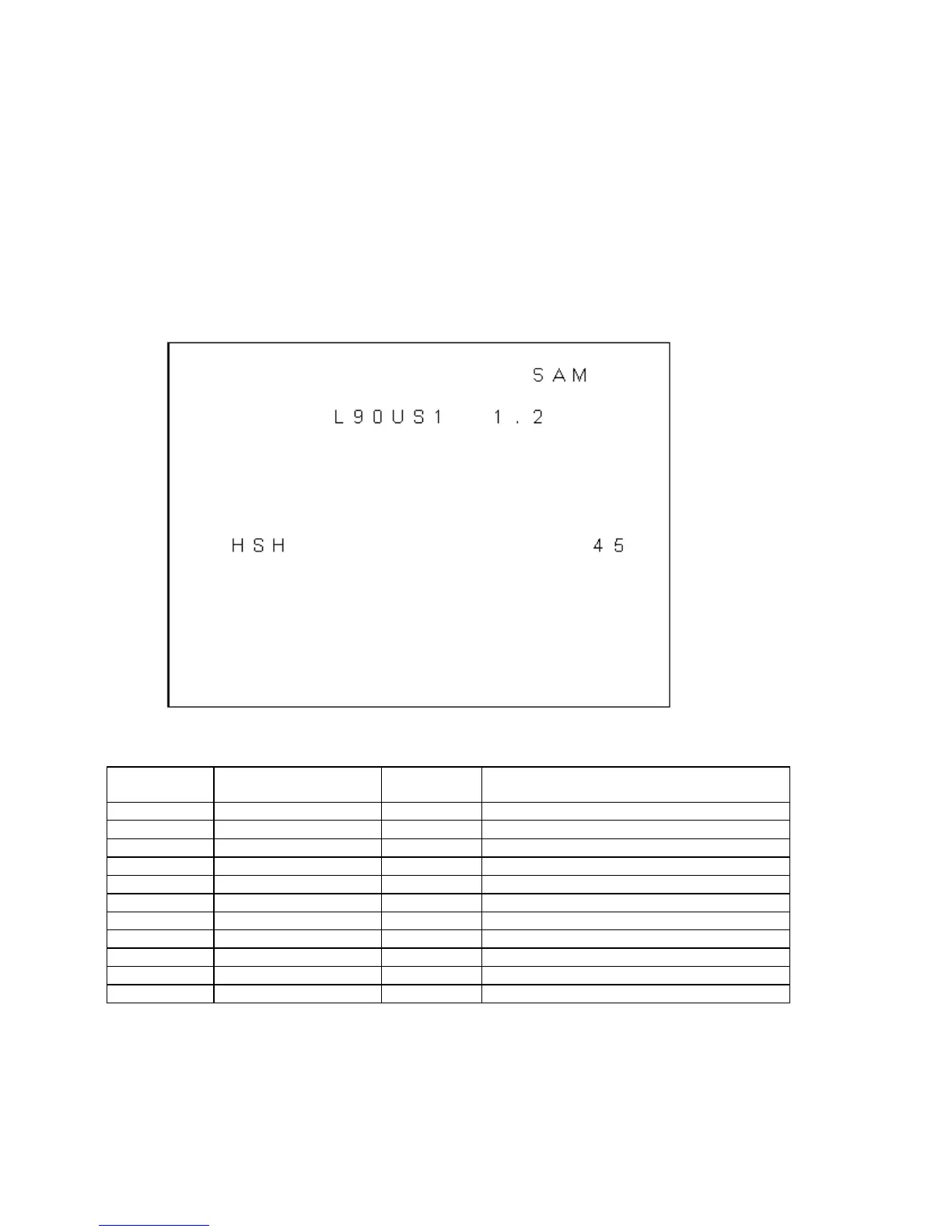
Geometry sub menu
OSD is kept to a minimum in this sub menu in order to make picture geometry adjustments possible.
The item values are stored in EEPROM if this sub menu is left.
The value of item Service Blanking (SBL) is not stored in EEPROM, and it is set to OFF when the geometry sub
menu is exited.
A sample display of the Geometry sub menu is shown below.
The picture geometry sub menu contains the following items:
Sub Menu:
VAM
GEOMETRY
Vertical amplitude
Values
0 – 63
Remarks
VSL Vertical slope 0 – 63
SBL Service blanking ON/OFF
HSH Horizontal shift 0 – 63
EWW E-W width 0 – 63 Not used
EWP E-W parabola/width 0 – 63 Not used
EWT E-W trapezium 0 – 63 Not used
EWC E-W corner parabola 0 – 63 Not used
H60 Delta HSH for 60 Hz 0 – 15 Not used
V60 Delta VAM for 60 Hz 0 – 15 Not used
VSC Vertical S-Correction 0 – 63
VSH Vertical shift 0 – 63








 To Next Page