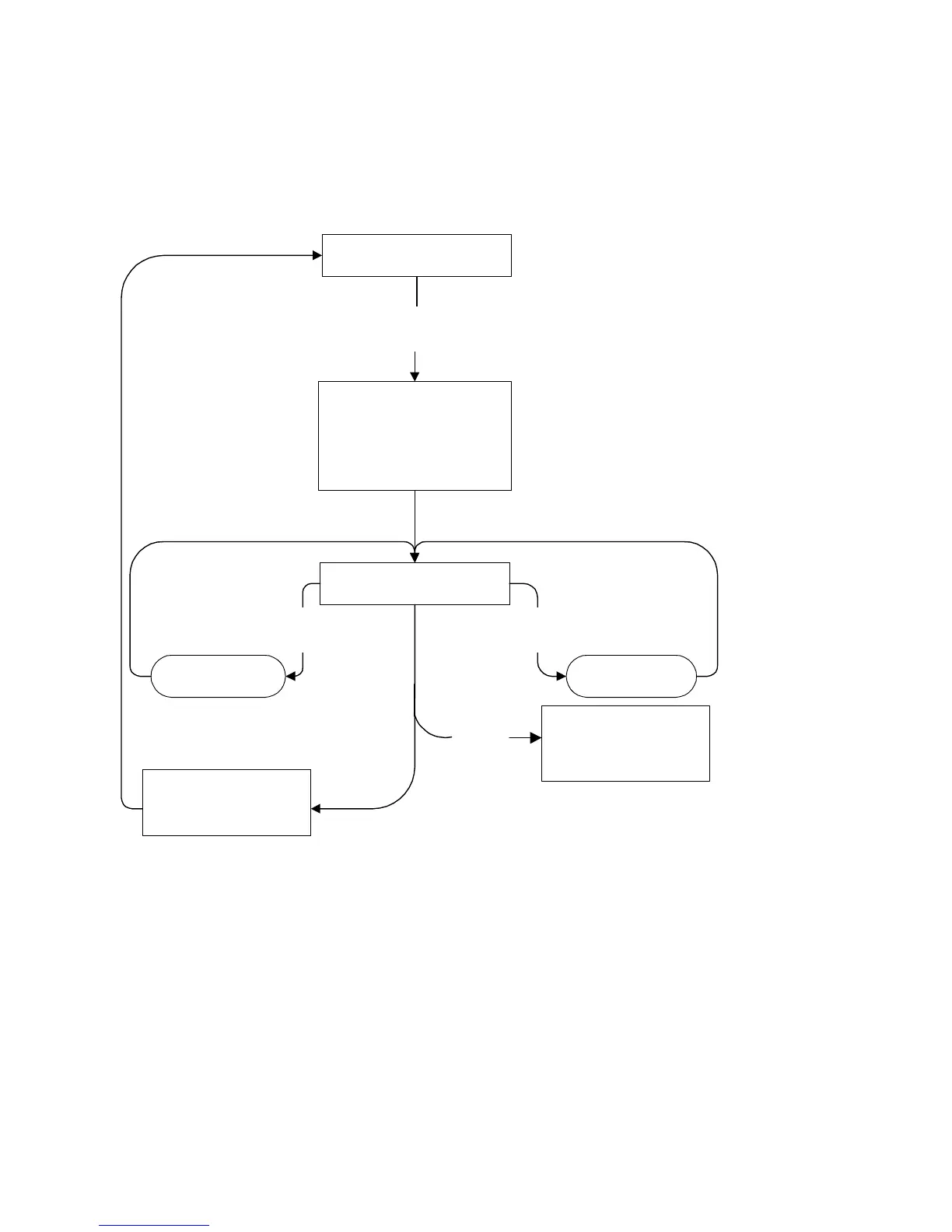
CSM Flow Chart
“POWER”
Normal operation mode
Display CSM information screen
Store current picture, sound and
feature settings (for later retrieval)
Set pre-defined picture, sound and
feature settings
Ignore service unfriendly options
To next CSM pageTo previous CSM page
Press "MUTE" button (RC) and
any key on the local keyboard
(except "POWER") for more than 4 seconds
"Channel down"
(RC or local
keyboard)
"Channel up"
(RC or local
keyboard)
Restore picture, sound and
feature settings (that were
stored during entry)
Other key
Off (Exit CSM):
when the set is switched on,
picture, sound and feature
settings (that were stored
during entry) are restored
(RC or local
keyboard)
Exit CSM









 To Next Page