Installation
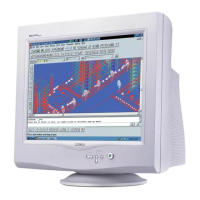
Power button switches your monitor on.
OK button which when pressed will take you to the OSD controls
Contrast hotkey. When the UP arrow is pressed, the adj ustment
controls for the CONTRAST will show up.
UP and DOWN buttons are used when adjusting the OSD of your
monitor
Brightness hotkey. When the RIGHT arrow is pressed ,the
adjustment controls for BRIGHTNESS will show up.
LEFT and RIGHT buttons, like the UP and DOWN buttons, are
also used in adjusting the OSD of your monitor.
By pressing both the UP and OK buttons, you can easily access
the Input Signals A and/ or B.
1.
2.
3.
D-Sub Port - Attach
the D-Sub connector
that comes with your
monitor here. Other
end connects to your
PC.
Power in - Attach
power cable here.
BNC Connectors -
Attach the connectors
here to get the best
video performance
from your monitor.
Rear View
Front View
Go to cover page
5
202P4 M25P


 To Next Page
 Loading...








