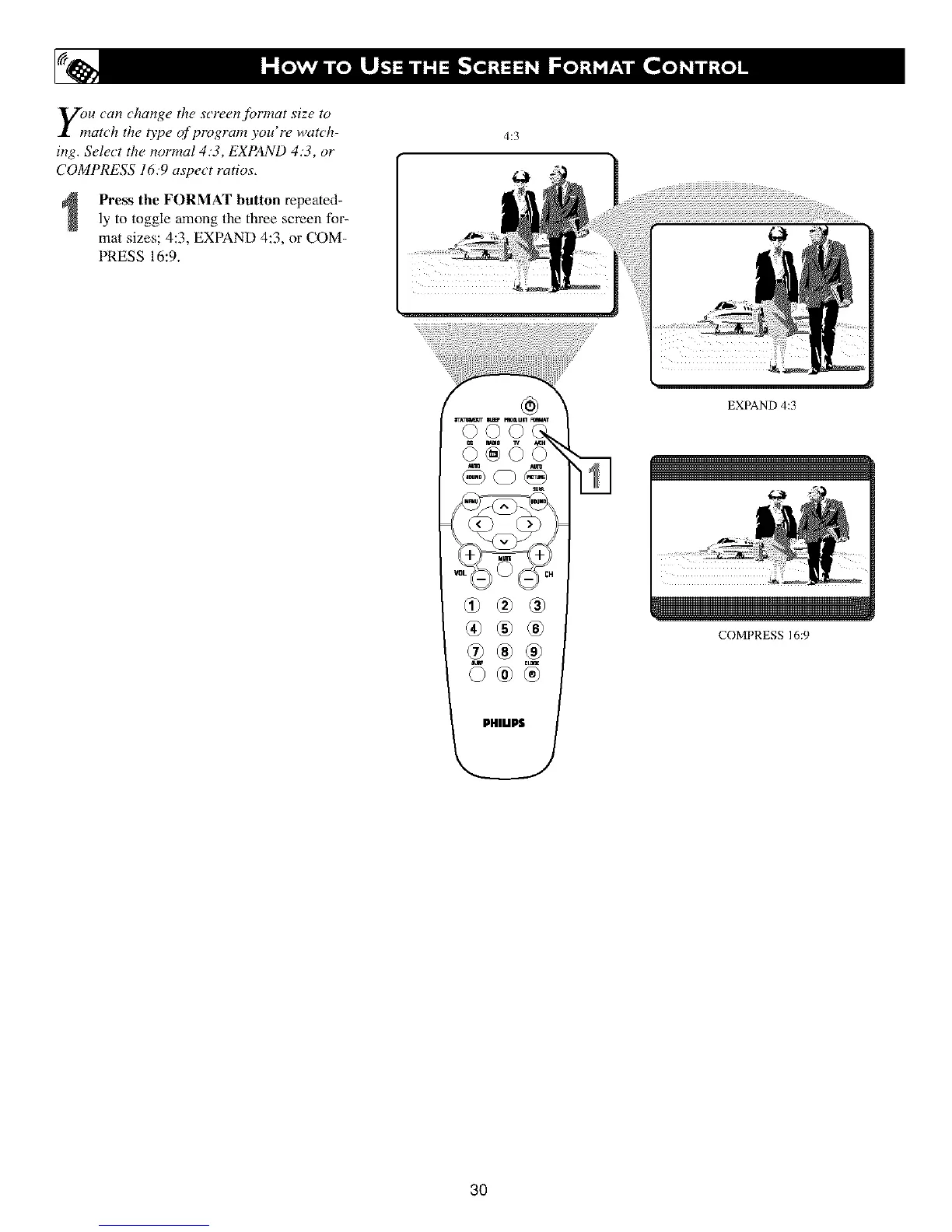
E)nU can change the screen format size to
atch the 07)e (?fprogram you're watch-
ing. Select the normal 4.'3, EXPAND 4.'3, or
COMPRESS 16:9 aspect ratios.
Press the FORMAT button repeated-
ly to toggle among the three screen for-
mal sizes; 4:3, EXPAND 4:3, or COM-
PRESS 16:9.
4:3
®®®
EXPAND 4:3
COMPRESS 16:9
3O












 To Next Page