EasyManua.ls Logo

Philips 20PT643R - Page 20

Philips 20PT643R
68 pages
Print Icon
To Next Page IconTo Next Page
To Previous Page IconTo Previous Page
Loading...
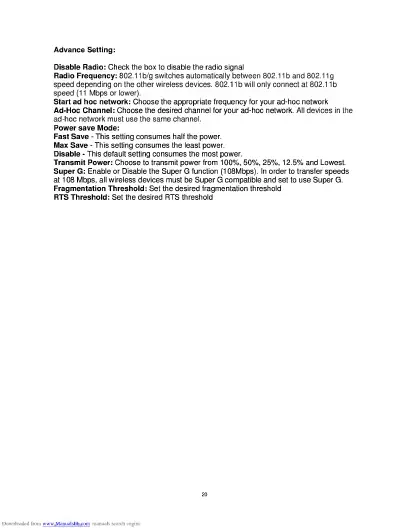
Advance
Setting:
Disable
Radio:
Check
the
box
to
disable
the
radio
signal
Radio
Frequency:
802.11
b/g
switches
automatically
between
802.11b
and
802.11
g
speed
depending
on
the
other
wireless
devices.
802.11
b
will
only
connect
at
802.11
b
speed
(11
Mbps
or
lower).
Start
ad
hoc
network:
Choose
the
appropriate
frequency
for
your
ad-hoc
network
Ad-Hoc
Channel:
Choose
the
desired
channel
for
your
ad-hoc
network.
All
devices
in
the
ad-hoc
network
must
use
the
same
channel.
Power
save
Mode:
Fast
Save
-
This
setting
consumes
half
the
power.
Max
Save
-
This
setting
consumes
the
least
power.
Disable
-
This
default
setting
consumes
the
most
power.
Transmit
Power:
Choose
to
transmit
power
from
100%,
50%,
25%,
12.5%
and
Lowest.
Super
G:
Enable
or
Disable
the
Super
G
function
(108Mbps).
In
order
to
transfer
speeds
at
108
Mbps,
all
wireless
devices
must
be
Super
G
compatible
and
set
to
use
Super
G.
Fragmentation
Threshold:
Set
the
desired
fragmentation
threshold
RTS
Threshold:
Set
the
desired
RTS
threshold

Related product manuals