Use TV Monitor menus5�2
On-screen menus help you install your TV
Monitor, adjust picture and sound settings and
access other features. This section describes
how to navigate the menus.
Access the main menu
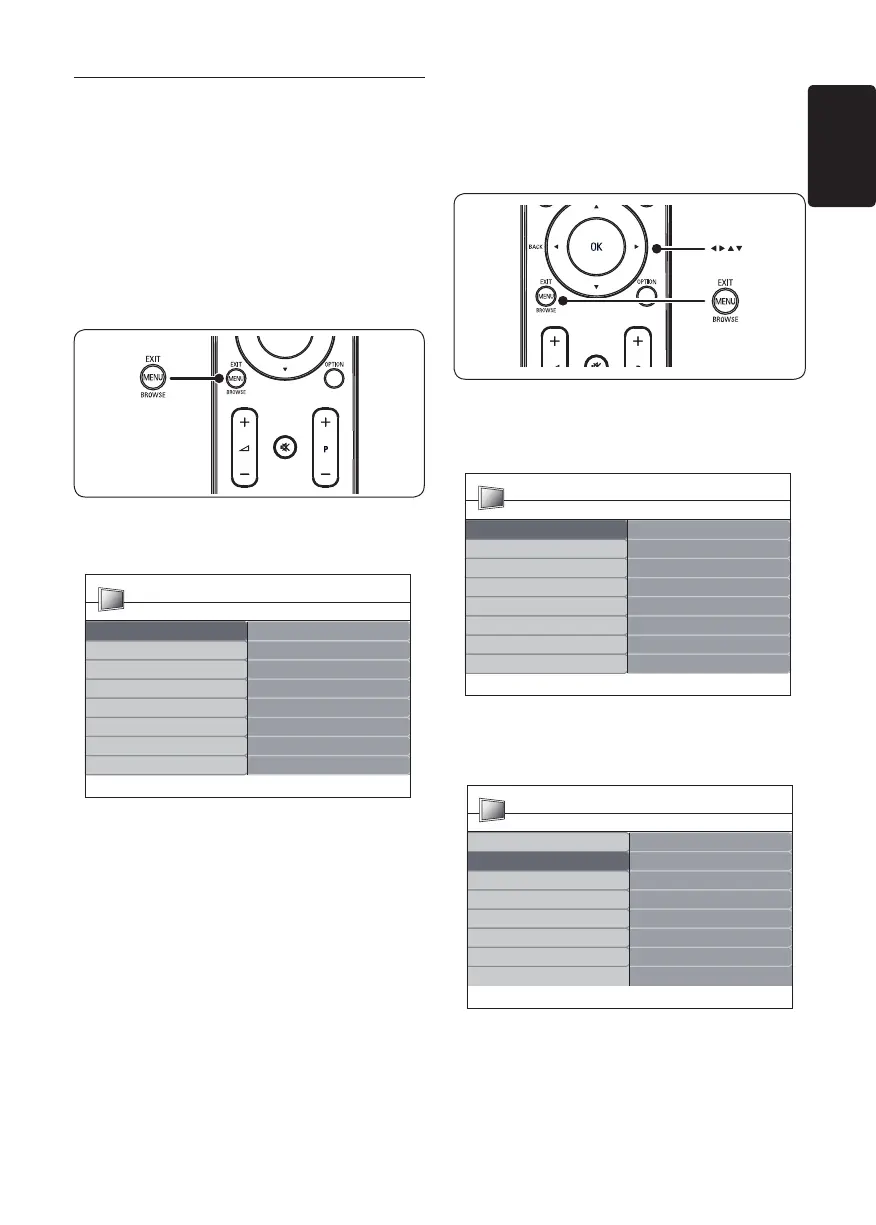
Press 1. MENU on the remote control to
display the main menu.
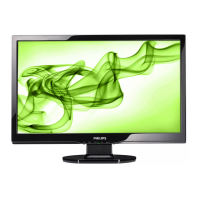
The following menu appears.
TV Menu Smart settings
Picture
Sound
Features
Vivid
Standard
Movie
Power saverInstall
PersonalSmart settings
PHILIPS
Press 2. Î or ï to move the cursor to the
following items:
Smart settings•
Picture•
Sound•
Feature•
Install•
Press 3. Æ or OK to select an item.
Press 4. MENU to exit.
Use the main menu
The following steps of adjusting brightness is
one example to show how to use the main
menu.
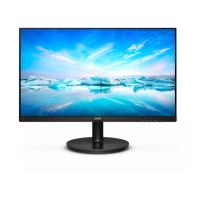
Press 1. MENU on the remote control to
display the TV Monitor menu.
TV Menu Smart settings
Picture
Sound
Features
Vivid
Standard
Movie
Power saverInstall
PersonalSmart settings
PHILIPS
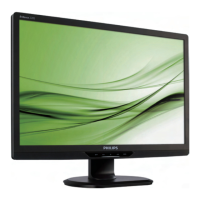
Press 2. ï to select Picture.
TV Menu Smart settings
Picture
Sound
Features
Brightness
Color
Sharpness
Tint
Color temperature
Picture format
Noise Reduction
Install
ContrastSmart settings
PHILIPS



 To Next Page