17
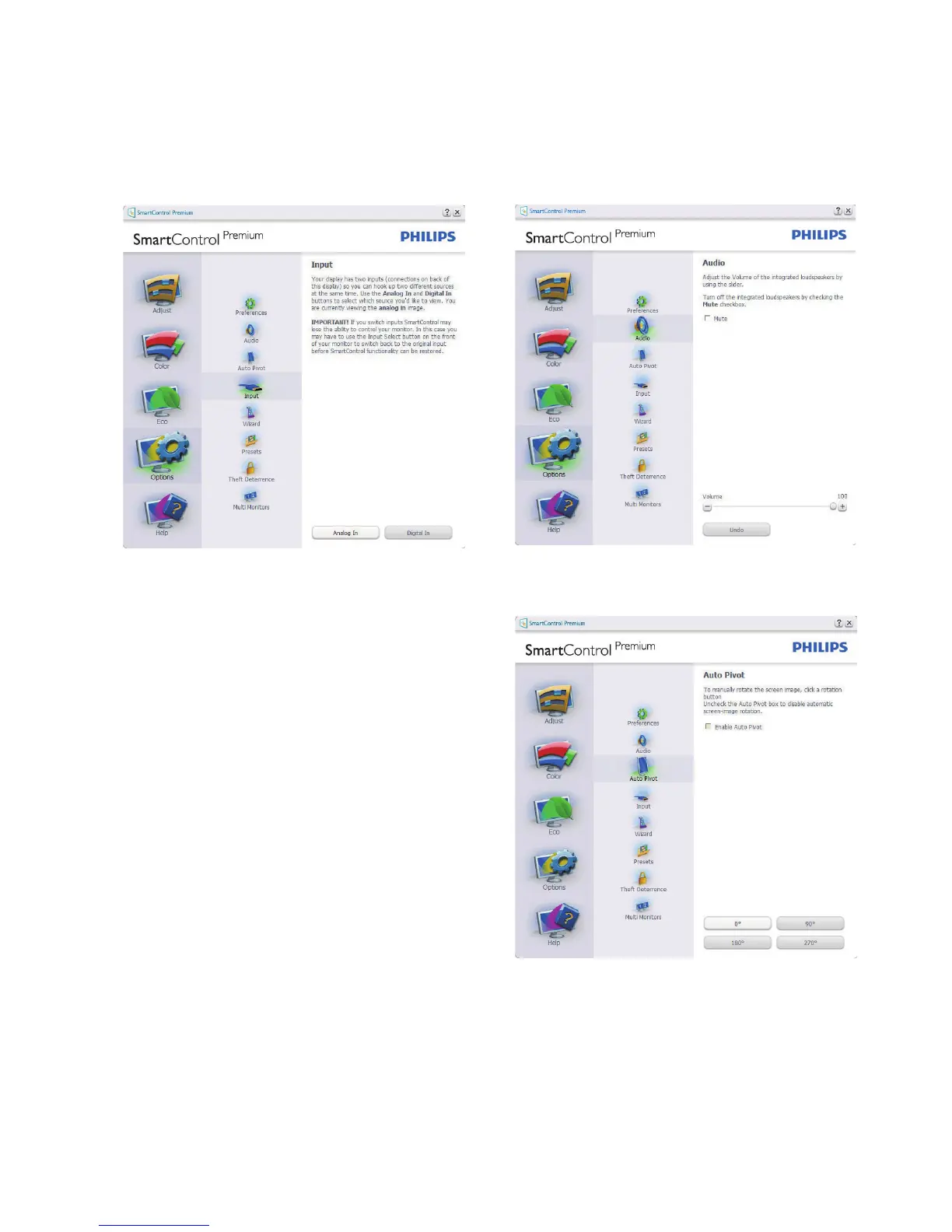
Options>Input -
Will only be active when selecting
Input from the drop-down Options menu. On a
non-supported display capable of DDC/CI, only
the Help and Options tabs are available. All other
SmartControl Premium tabs are not available.
• Display the Source instruction pane and
current input source setting.
• On single input displays, this pane will not be
visible.
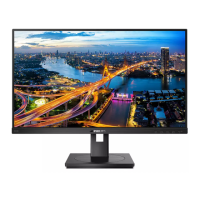
Options>Audio - Will only be active when
selecting Volume from the drop-down Options
menu.
On a non-supported display capable of DDC/CI,
only the Help and Options tabs are available.
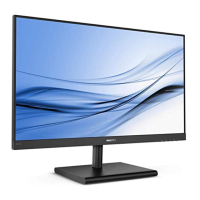
Option>Auto Pivot



 To Next Page