EasyManua.ls Logo

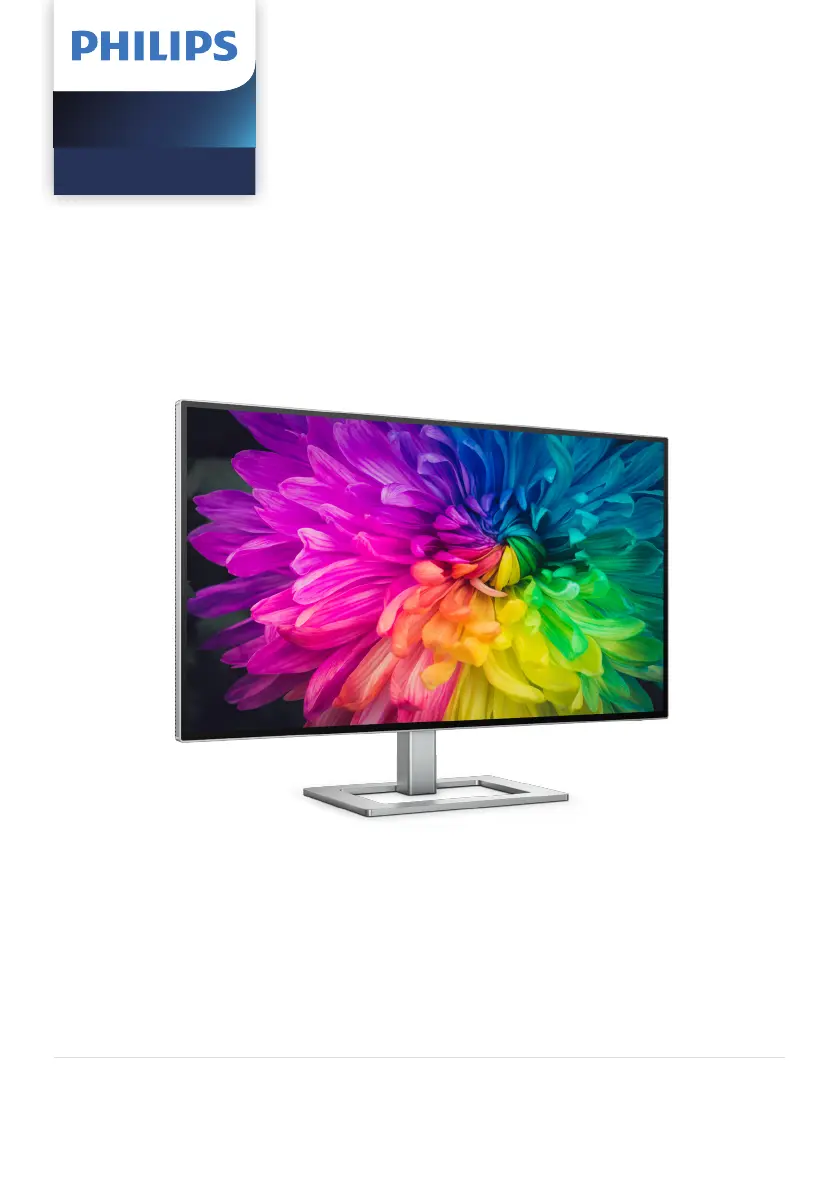
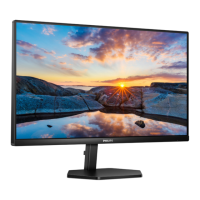
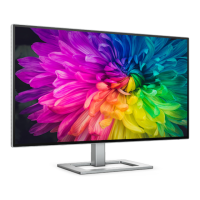
Philips 27E2F7901/27 - User Manual

Philips 27E2F7901/27
40 pages
Print Icon
To Next Page IconTo Next Page
Loading...
Register your product and get support at www.philips.com/welcome
EN
User manual 1
Customer care and warranty 30
Troubleshooting and FAQs 34
27E2F7901
Monitor
7000 Series

Questions and Answers

  • S
    Scott ArnoldSep 5, 2025
    Why I can’t find the Bluetooth name of Philips Speaker System on my Bluetooth device?
    • J
      justinkentSep 5, 2025
      If you can't find the Bluetooth name of the unit on your device, ensure that the Bluetooth function is activated on your Bluetooth device. You may also need to re-pair the unit with your Bluetooth device.
  • R
    rebecca19Sep 5, 2025
    What to do if the subwoofer is idle or the indicator of subwoofer does not light up on my Philips Speaker System?
    • A
      Anne WarnerSep 6, 2025
      To reset the subwoofer, unplug the power cord from the mains for a few minutes.
  • K
    Katherine McknightSep 6, 2025
    How to troubleshoot a Philips Clock Radio with no power?
    • J
      Jeffrey LeeSep 6, 2025
      If your Philips Clock Radio isn't turning on, ensure the AC power plug is correctly connected. Also, verify that the AC outlet has power.
  • J
    Jason RomeroSep 6, 2025
    What to do if my Philips Clock Radio is not responding?
    • B
      bobby60Sep 7, 2025
      If your Philips Clock Radio isn't responding, disconnect the AC power plug and then reconnect it. After that, try turning the unit on again.
  • K
    Kimberly DuncanSep 7, 2025
    Why does my Philips Clock Radio keep losing its clock/alarm settings?
    • T
      Todd PetersonSep 7, 2025
      If the clock or alarm setting on your Philips Clock Radio is erased, reset the clock and alarm. This issue can occur if the power has been interrupted or the power plug has been disconnected. You may also need to replace the backup batteries.
  • P
    Pamela WalkerSep 7, 2025
    How to fix poor Bluetooth audio quality on Philips Clock Radio?
    • E
      Emily EvansSep 7, 2025
      To improve poor audio quality via Bluetooth on your Philips Clock Radio: * Move your Bluetooth device closer to the clock radio, or remove any obstacles between them. * Ensure that the Bluetooth function is enabled on your device. * Disconnect other Bluetooth devices that may be connected to the clock radio.

Philips 27E2F7901/27 Specifications

General IconGeneral
BrandPhilips
Model27E2F7901/27
CategoryElectric Shaver
LanguageEnglish

Related product manuals