
 Need help?
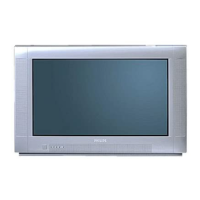
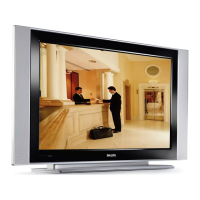
Do you have a question about the Philips 32HF7543 and is the answer not in the manual?
Connect the antenna or RF cable signal to the 75-ohm RF 'F' connector socket.
Verify mains voltage and frequency are correct. Unplug to remove AC power.
Press the power button on the TV or remote to switch on the set.
Instructions on how to load batteries into the remote control and general care.
Select the desired language for the TV interface.
Configure communication settings, including Commercial Mode.
Configure analog channels, map inputs, and save settings.
Enable or disable the TV's physical keyboard.
Configure Energy Saving Programmability to auto-power down.
 General
| Smart TV | Yes |
|---|---|
| Wi-Fi | Yes |
| Display Technology | LED |
| Screen Size | 32 inches |
| Sound Output | 20 W |











 To Next Page
