EasyManua.ls Logo

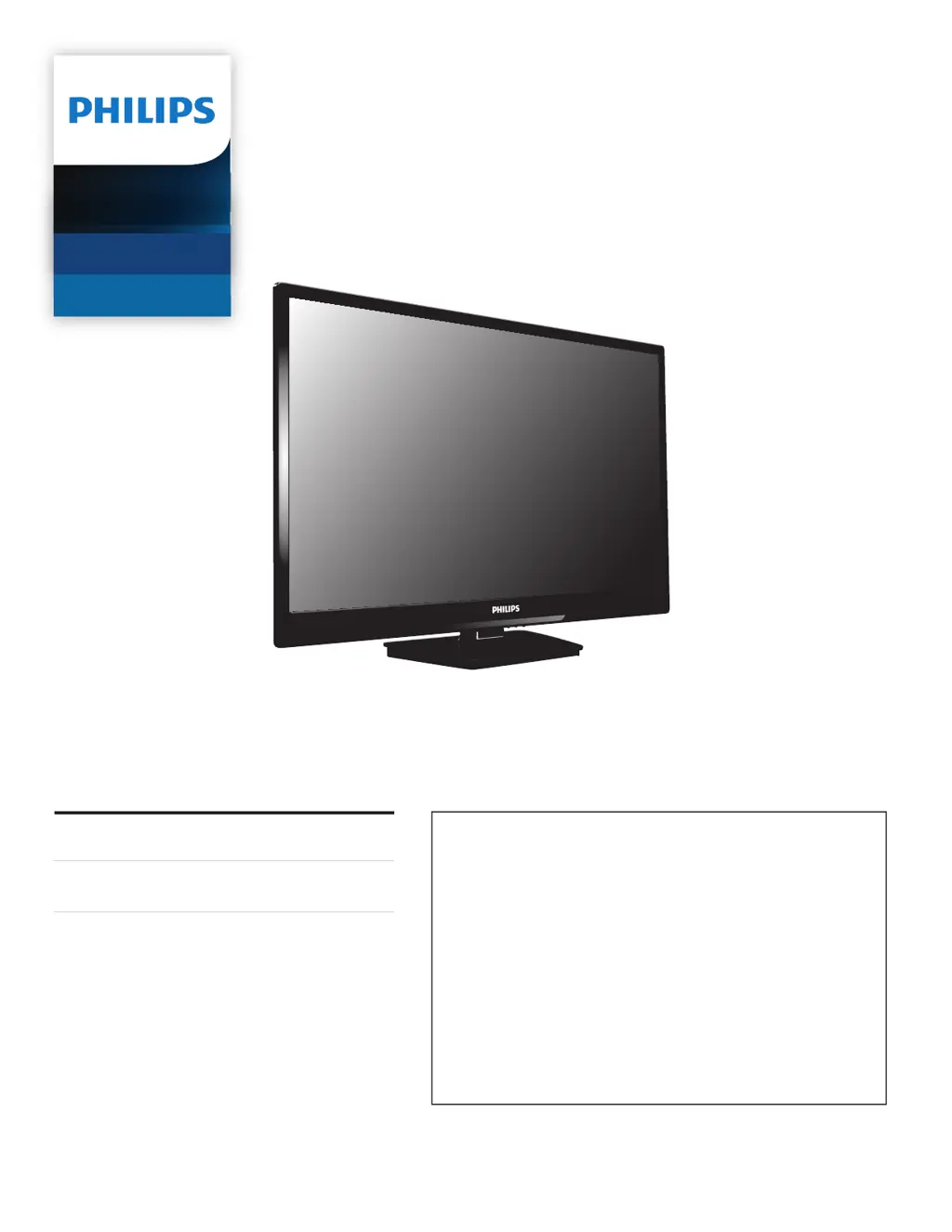
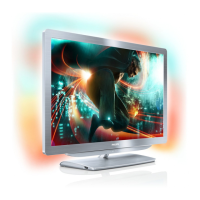
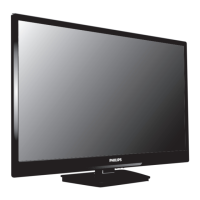
Philips 32PFL3901 - User Manual

Philips 32PFL3901
55 pages
Print Icon
To Next Page IconTo Next Page
Loading...
Register your product and get support at
www.philips.com/support
EN
User Manual
ES
Manual del Usuario
EN For further assistance, call the customer support service in your country.
To obtain assistance, contact Philips Customer Care Center;
México D.F. and Área Metropolitana; 58 87 97 36
Interior de la Republica; 01 800 839 19 89
Colombia; 01 800 952 0640
Costa Rica; 0800 052 1564
Guatemala; 1 800 835 0351
El Salvador; 1 800 6141
Honduras; 01 800 122 6276
ES Para obtener más información, llame al servicio de soporte al cliente de
su país.
Para obtener asistencia, póngase en contacto con el CENTRO DE
INFORMACION AL CLIENTE,
México D.F. y Área Metropolitana;58 87 97 36
Interior de la Republica; 01 800 839 19 89
Colombia; 01 800 952 0640
Costa Rica; 0800 052 1564
Guatemala; 1 800 835 0351
El Salvador; 1 800 6141
Honduras; 01 800 122 6276
32PFL3901
Televisions
3000 series

Table of Contents

Questions and Answers

  • M
    Marissa GatesSep 23, 2025
    Why can't I find the Bluetooth name of my Philips Home Cinema speakers?
    • S
      Summer SanchezSep 23, 2025
      If you can't find the Bluetooth name of your Philips Home Cinema speakers on your Bluetooth device, ensure that the AC cord is properly connected and that there is power at the AC outlet. Also, make sure the soundbar is turned on by pressing the standby button on the remote control or the soundbar itself.
  • R
    Randall WuAug 23, 2025
    Why can't I find Philips Speaker System Bluetooth name on my device?
    • B
      Brittany WrightAug 23, 2025
      If you can't find the Bluetooth name of your Philips Speaker System on your device: * Ensure that the Bluetooth function is activated on your Bluetooth device. * Try re-pairing the unit with your Bluetooth device.
  • D
    Debra DavenportAug 25, 2025
    Why can't I insert the brew group in my Philips Coffee Maker?
    • N
      nathan42Aug 26, 2025
      If you are having trouble inserting the brew group into your Philips Coffee Maker, ensure that the lever is in contact with the base and the hook is correctly positioned. If it still doesn't work, reset the machine by switching it on and off, replace the drip tray and coffee grounds container, leave the brew group out, close the maintenance door, switch the machine on and off again, and then try reinserting the brew group.
  • S
    Stanley ParkAug 27, 2025
    Why do my Philips Speakers have no power?
    • D
      dhopkinsAug 27, 2025
      If your Philips Speakers have no power, make sure the AC cord is properly connected and that the AC outlet has power. Also, try pressing the standby button on the remote control or the soundbar to turn the soundbar on.
  • R
    Ronald CollinsAug 27, 2025
    What to do if the subwoofer of my Philips Speakers is idle?
    • D
      Debra HallAug 27, 2025
      If the subwoofer is idle or the indicator light is off on your Philips Speakers, unplug the power cord from the mains socket and plug it back in after 3 minutes to reset the subwoofer.
  • C
    coxbrittanySep 18, 2025
    What to do if there is no sound through digital input on Philips Home Cinema speakers?
    • H
      Haley NortonSep 18, 2025
      If you're experiencing no sound through the digital input on your Philips Home Cinema speakers, try setting your TV output to PCM. If that doesn't work, connect your speakers directly to your Blu-ray player or another source, as some TVs might not pass through digital audio. Also, ensure that the audio output setting is set to FIXED or STANDARD, and not VARIABLE.
  • K
    Kimberly BurchSep 14, 2025
    Why Philips Speaker System has no power?
    • B
      Blake JensenSep 14, 2025
      If your Philips Speaker System has no power, check the following: * Ensure that the AC cord is properly connected. * Ensure that there is power at the AC outlet. * Press the standby button on the remote control or Soundbar to turn the Soundbar on.
  • P
    Pamela ZunigaSep 15, 2025
    What to do if the subwoofer is idle in Philips Speaker System?
    • L
      Lindsey BarnesSep 16, 2025
      If the subwoofer in your Philips Speaker System is idle or its indicator light is off: * Unplug the power cord from the mains socket and plug it in again after 3 minutes to reset the subwoofer. * If your TV is set to variable audio output, change it to FIXED or STANDARD. Consult your TV’s user manual for detailed instructions. * If using Bluetooth, make sure the volume on your source device is turned up and that the device is not muted.
  • C
    Cristina RyanSep 6, 2025
    What to do if my Philips Electric Pressure Cooker food is not cooked?
    • S
      sandrabullockSep 6, 2025
      If your food isn't cooking properly, consider these possibilities: * You may have selected the incorrect function or cooking time; try increasing the cooking time or changing the cooking method. * Ensure there is no foreign residue on the heating element and the outside of the inner pot before turning on the cooker. * If the heating element is damaged, or the inner pot is deformed, take the cooker to your Philips dealer or a service center authorized by Philips.
  • M
    Mark MccarthySep 3, 2025
    Why does my Philips Speaker System turn off after 15 minutes?
    • A
      Ashley SmithSep 3, 2025
      Your Philips Speaker System might turn off after 15 minutes if the external input signal level is too low. To prevent this, increase the volume level of your external device.

Philips 32PFL3901 Specifications

General IconGeneral
BrandPhilips
Model32PFL3901
CategoryElectric Shaver
LanguageEnglish

Related product manuals