EN 11
4.3
Battery Installation
5 Use more of your TV
5.1 Access TV menus
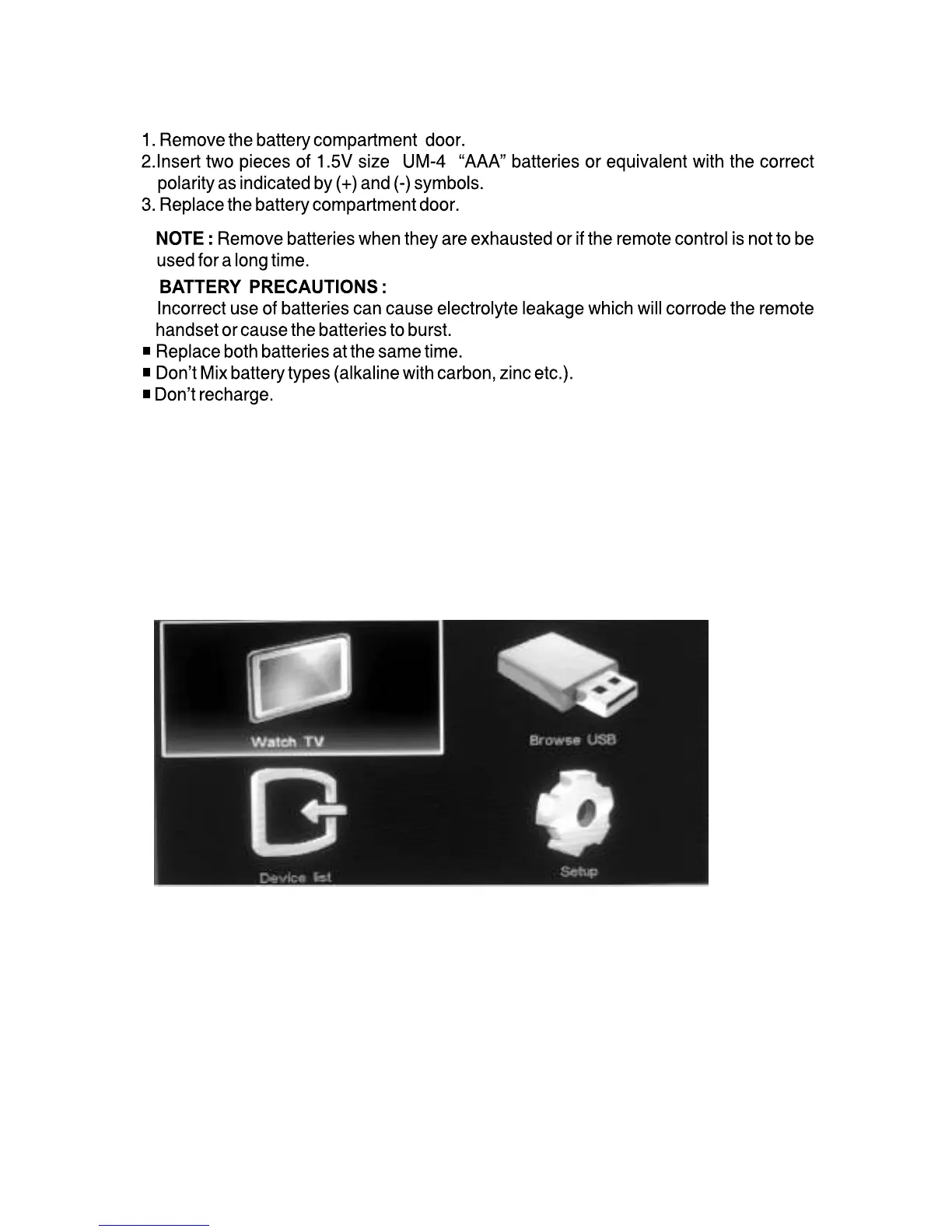
1 Press Menu then menu screen appears.
2 Select one of the following then press OK.
[Browse USB]: View photos and play music contained in USB storage
[Device List]: Access menus to change other source by pressing key.
[Setup]: Access menus to change picture,sound and other settings.
devices.
[Watch TV]: If a source other than TV is selected,switch back to the TV
source.




 To Next Page