9
Use teletext
1
Press TELETEXT.
» The main index page appears.
2 Select a page as follows:
Press the Numeric buttons to enter
a page number.
Press CH +/- or
to view the
next or previous page.
Press the Colour buttons to select a
colour coded item.
Pressing
BACK to return to the
previously viewed page.
3 Press TELETEXT to exit teletext.
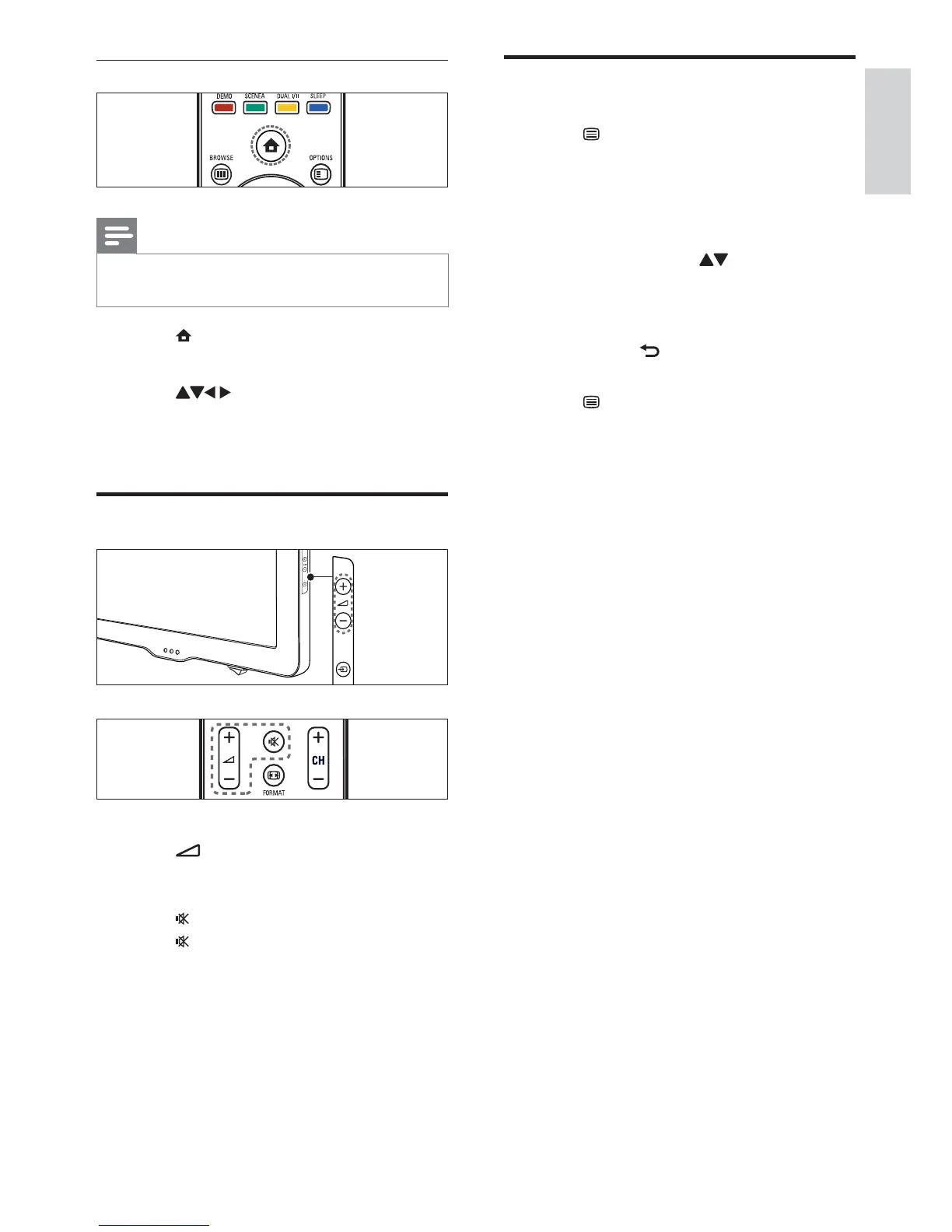
Use the home menu
Note
You can add new devices to the home menu
for easy access.
1 Press (Home).
» The home menu appears.
2 Press to select the device.
3 Press OK to watch the connected device
on your TV.
Adjust TV volume
To increase or decrease volume
Press
+/- on the remote control or at
the side of the TV.
To mute or unmute sound
Press
to mute the sound.
Press
again to restore the sound.
English
EN









 To Next Page