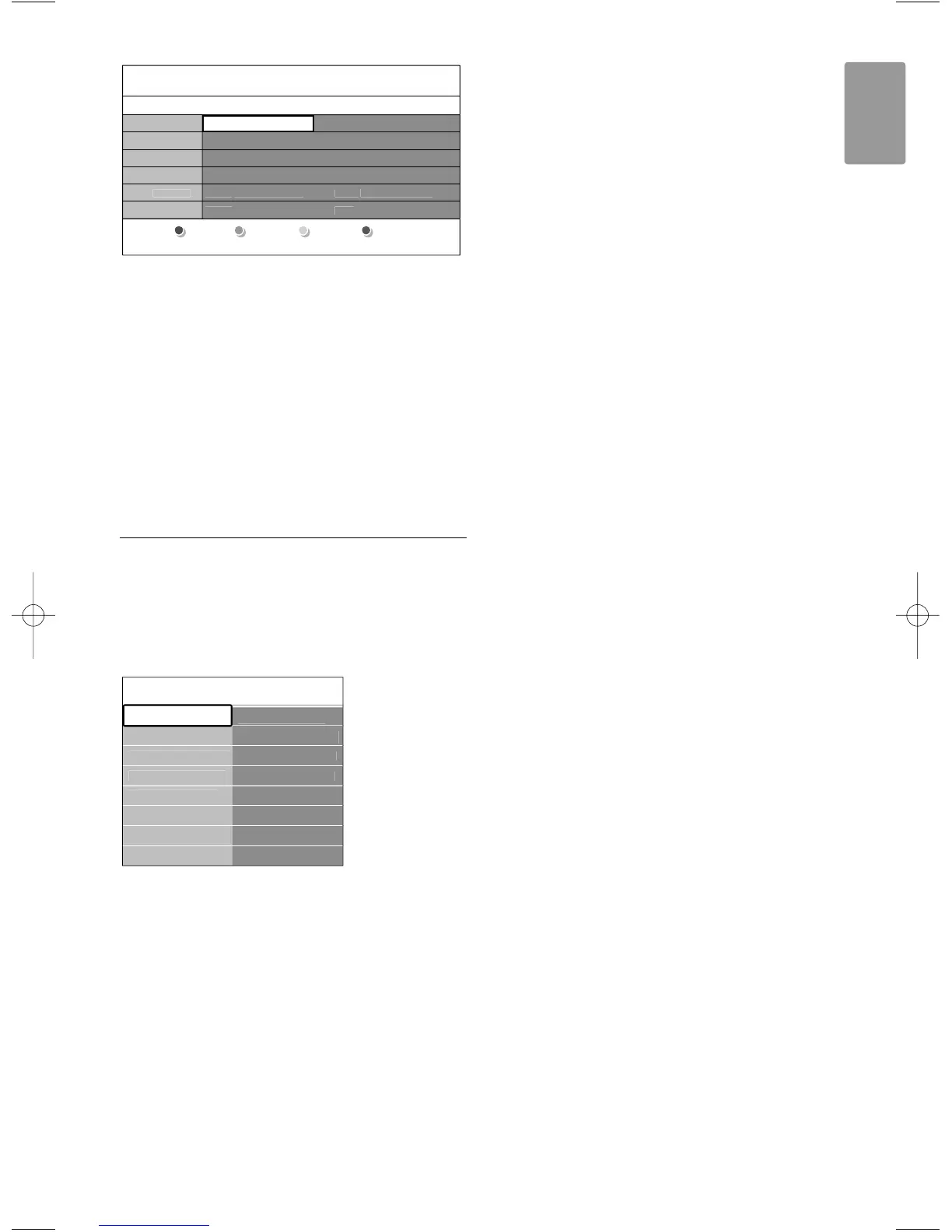
® Use the colour keys to activate the available
actions at the bottom of the screen.
• Next: to show information about the next
programme.
• Remind: to mark or unmark a programme as a
reminder.
• Watch: to watch or listen to a current
programme.
• Jump to...: to jump to the next or previous day.
• Info: to display information on a selected
programme (if available).
ÒPress a to quit the EPG.
5.8.2 More on ‘7 or 8 day’ EPG
Search by genre, scheduled reminders, etc. are
managed in the Programme guide menu.
‡ Press a on the remote control.
® Press Menu Ï.
The Programme guide menu appears.
ÒPress o or œ to select a menu option.
† Press π to enter.
º Press o or œ to make a selection.
◊Press
OK to activate or press the green key to
watch
‹Press a to quit the EPG.
rNote
Only channels marked as Preferred EPG channels
appear in the Programme guide menu.
ch..
Scheduled remind..
to ..









 To Next Page