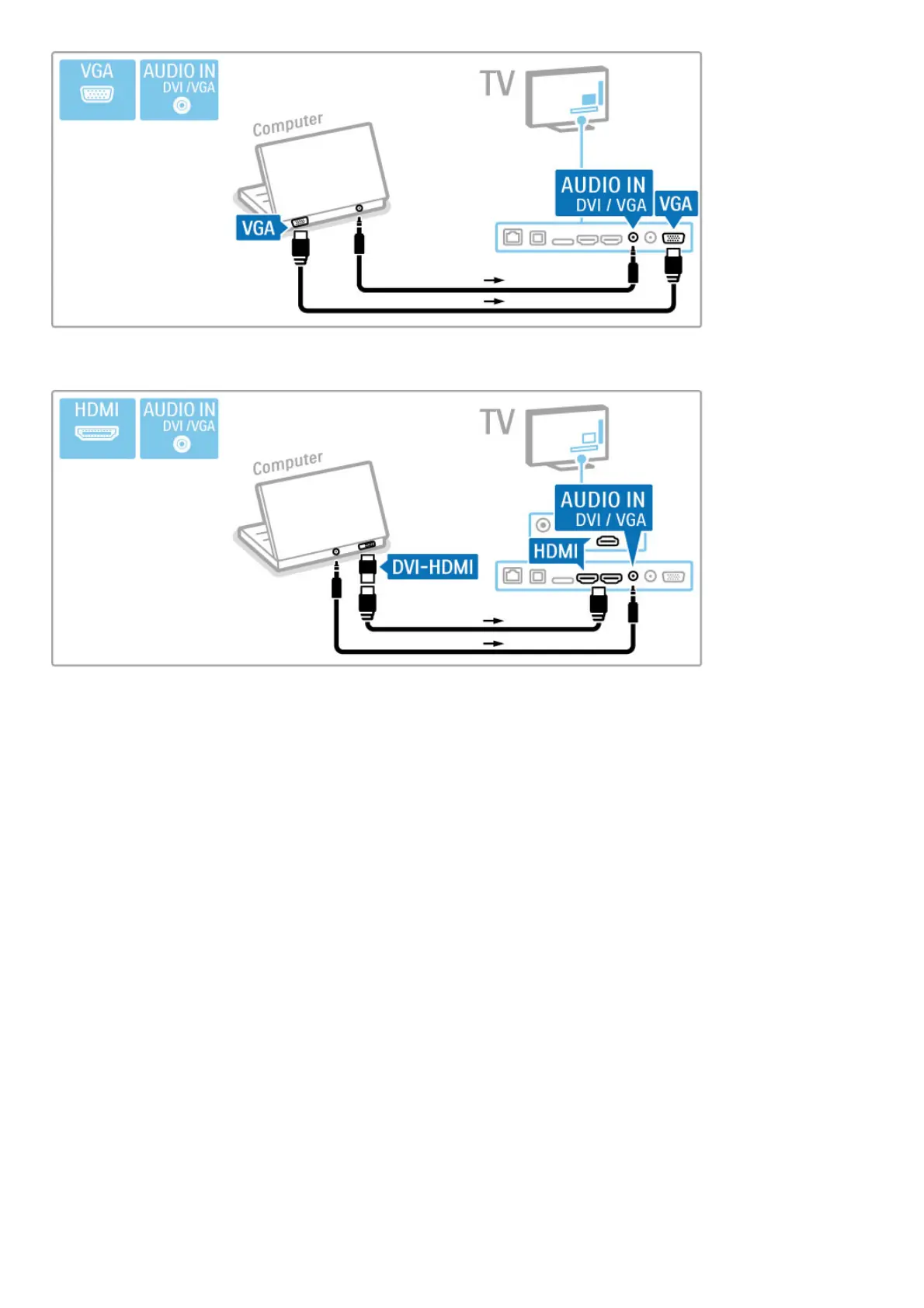
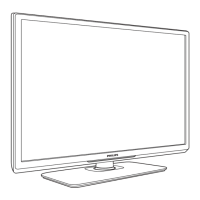
Use a DVI to HDMI adapter to connect the PC to HDMI and an
audio L/R cable to connect the Audio L/R to the back of the TV.
Ideal TV setting
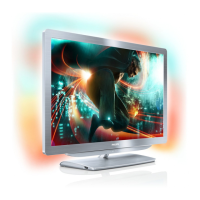
Set the TV picture format to Unscaled for the sharpest picture
quality. While watching TV, press t ADJUST, select Picture
format and select Unscaled.
For a list of supported resolutions see Help > Specifications >
Display resolutions.




 To Next Page