for a long period of time.
In
Help
, press
Keywords
and look up Switching on for more
information on switching the TV on or off.
2.5
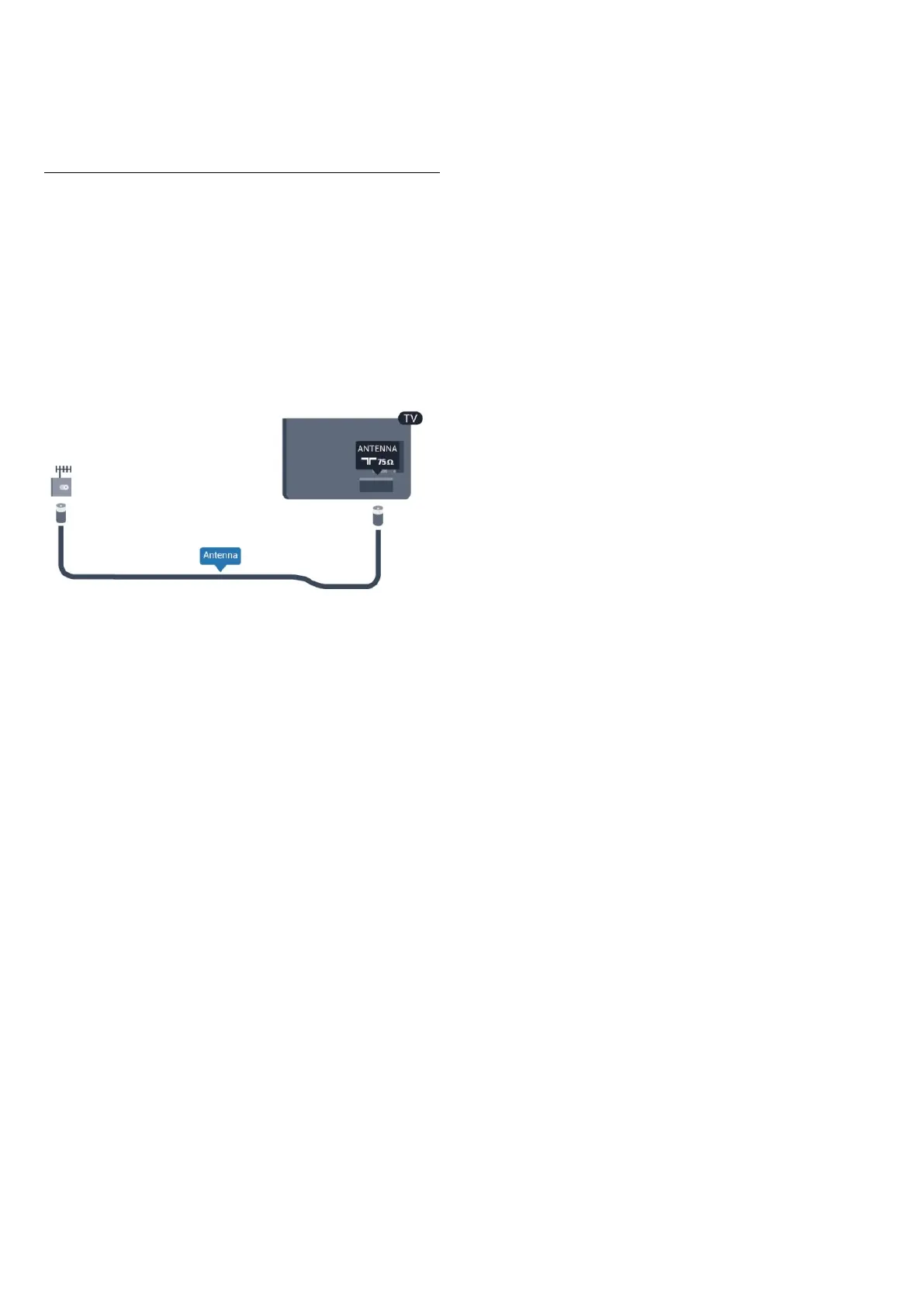
Antenna cable
Insert the antenna plug firmly into the
ANTENNA
socket at the
back of the TV.
You can connect your own antenna or an antenna signal from
an antenna distribution system. Use an IEC Coax 75 Ohm RF
antenna connector.
Use this antenna connection for DVB-T and DVB-C input
signals.
7




 To Next Page