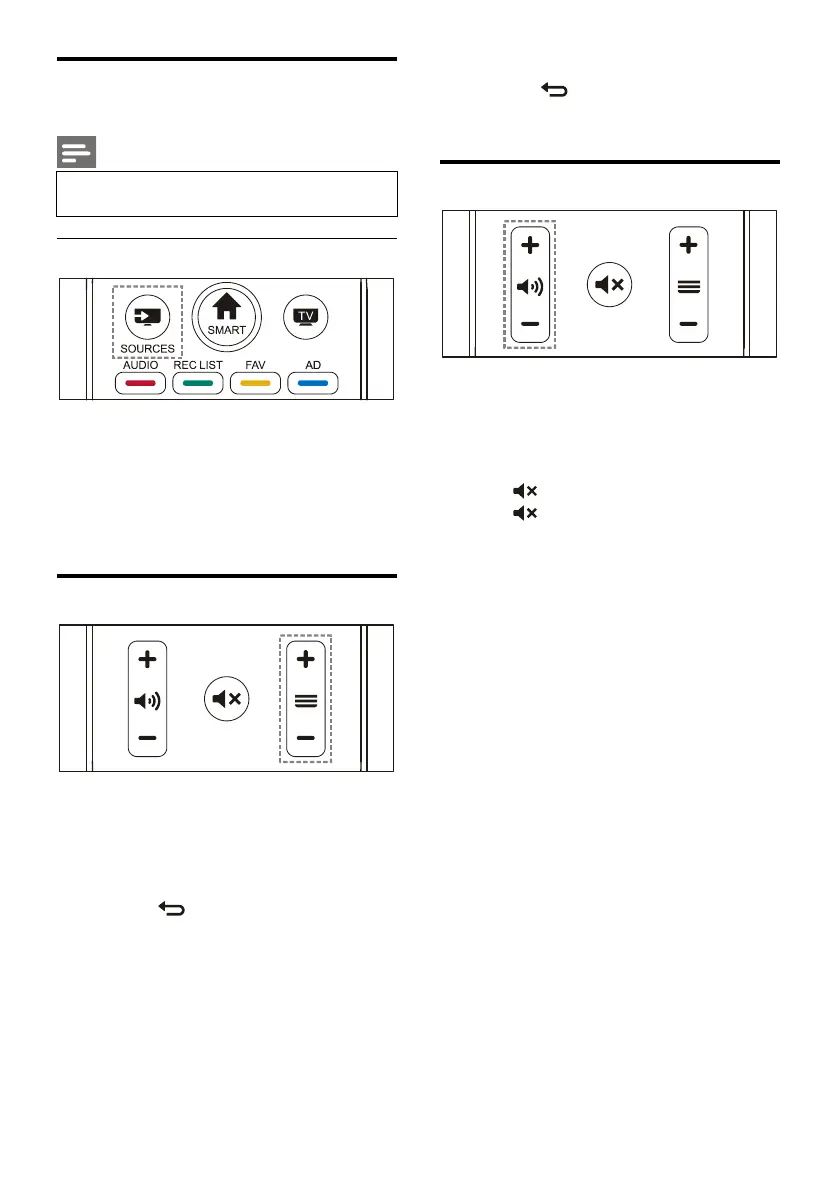
Watch content on connected
devices
Note
Switch on the device before selecting it as
1. Press
SOURCES
key.The source list
2. Press ▲/▼ key to select a device.
3. Press
OK
key.The TV switches to the
Switch channels without Using Channel list:
Press channel
+/-
key on the remote
Enter a channel number using the numeric
buttons on the remote control.
Press the (BACK) key on the remote
control to return to the previous channel.
Switch channels Using Channel list:
You can use the channel list to watch all available
1. Press
OK
key.The channel list appears.
2. Press ▲/▼ key to select a channel.
3. Press
OK
key to watch the selected
4. Press the (BACK) key to switch to the
previously watched channel.
Increase or decrease volume.
Press volume +/- key on the remote
Mute or unmute the sound.
Press key again to restore the sound.







 To Next Page