Operate your phone 5
T9
®
text Input
What is it?
T9
®
predictive Text Input is an intelli-
gent editing mode for SMS and e-mail,
including a comprehensive dictionary. It
allows you to quickly enter text. Press
only once on the key corresponding to
each letter needed to spell a word: key-
strokes input are analysed and the word suggested by
T9
®
is displayed in the bottom of the screen. If several
words are available according to the keys used, press
0 to browse the list and choose from those proposed
by the T9
®
built-in dictionary (see example below).
How to use it?
Alphabets and symbols represented by each key are as
follows:
Example: how to enter the word "home":
1.
Press
4
6
6
3
The screen displays the
first word of a list:
Good
.
2.
Press
0
to scroll and select
Home
.
3.
Press
1
to confirm
Home
.
2
to
9
To key in letters.
0
Short press to browse the list of candi-
date words, long press to browse back.
1
or
#
To confirm entry.
e
Short press to clear one entry, long press
to clear all text.
#
Shift.
*
To select the typing mode.
Tegic Euro. Pat.
App. 0842463
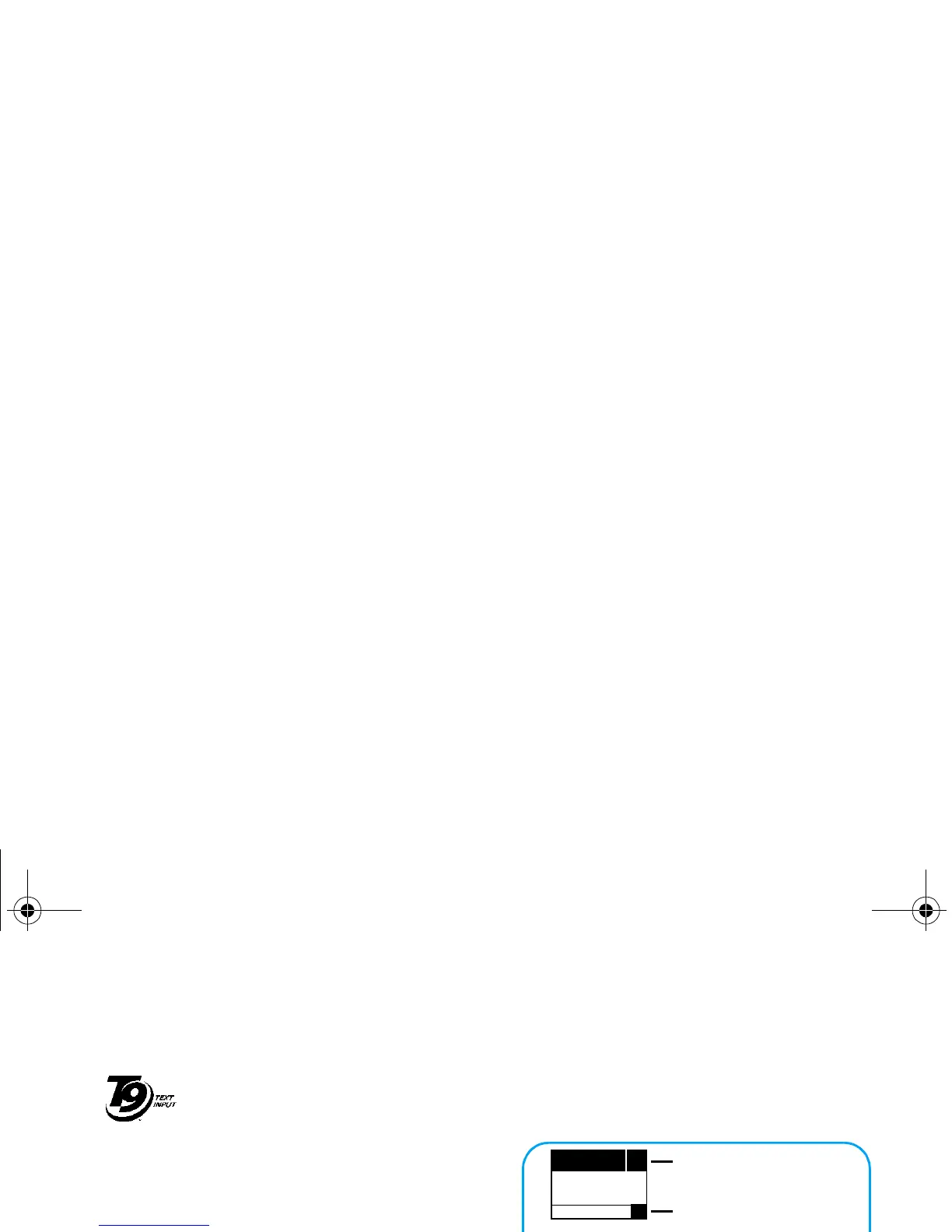
ENTER TEXT: Eng
T9
Language used: English
Editing mode used: T9
®
Press the
*
key to switch to basic mode, to
numeric mode, or to punctuation mode
ENTER TEXT: Abc ENTER TEXT: 123
ENTER TEXT: %!?
ENTER TEXT: abc ENTER TEXT: Abc ENTER TEXT: ABC
While in any text mode, press the
#
key to
switch from lower to upper case:
Philips330_EMEA_Ind3.book Page 5 Jeudi, 31. juillet 2003 3:48 15



 To Next Page