10
4
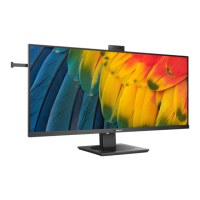
Resolution notication
This monitor is designed for optimal
performance at its native resolution,
3440 x 1440. When the monitor is
powered on at a dierent resolution,
an alert is displayed on screen: Use 3440
x 1440 for best results. Display of the
native resolution alert can be switched
o from Setup in the OSD (On Screen
Display) menu.
Note
The USB hub default setting of USB C
input for this monitor is “High Data
Speed”. The maximum resolution sup-
ported depends on your graphic card
capability. If your PC doesn’t support
HBR 3, select High Resolution in USB
Setting, then the maximum resolution
supported will be 3440 x 1440 @120Hz.
Press button > USB Setting > USB >
High Resolution













 To Next Page