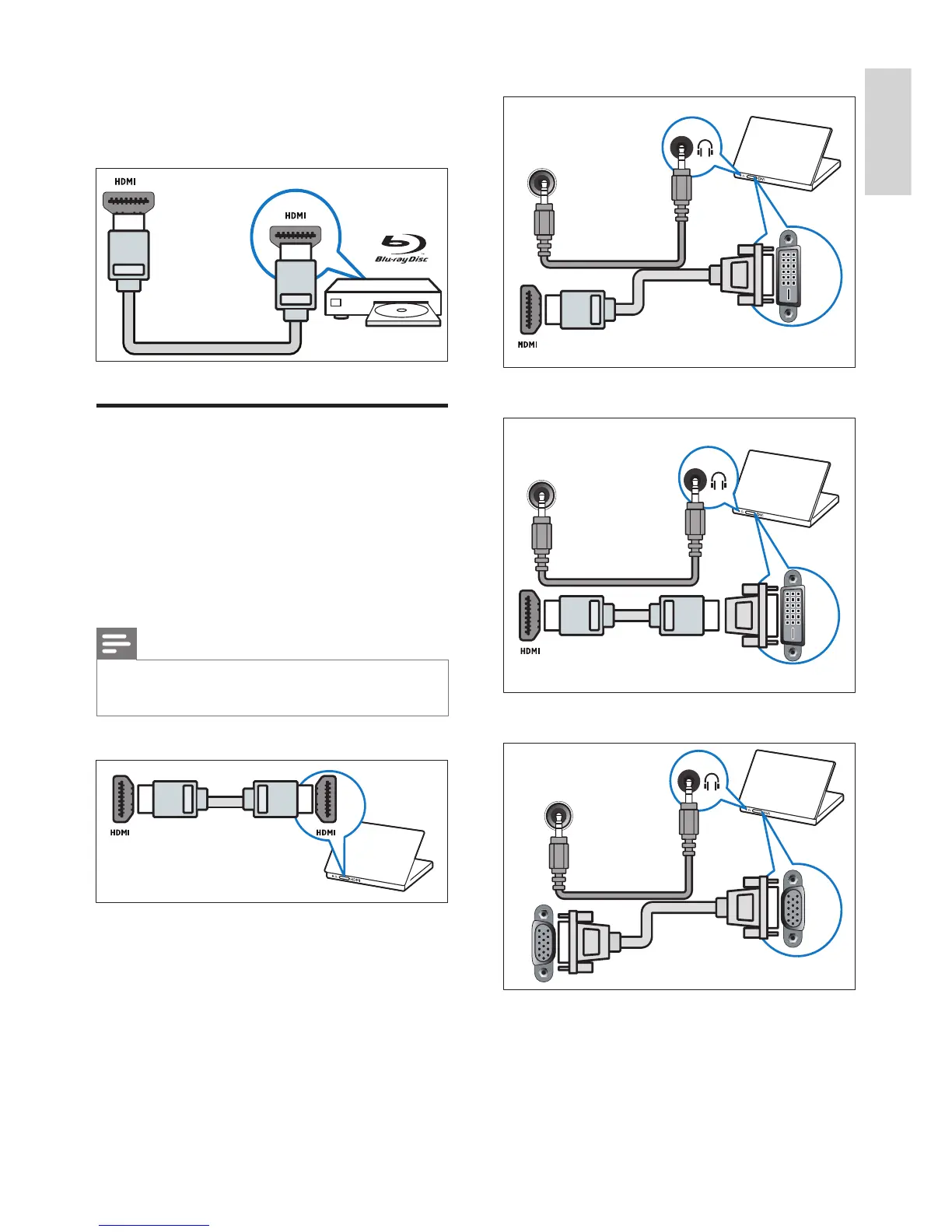
c HDMI
Digital audio and video input from high-
denition digital devices such as Blu-ray
players.
Connect a computer
Before you connect a computer to the TV
• Set the screen refresh rate on your
computer to 60Hz.
• Select a supported screen resolution on
your computer.
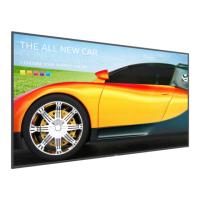
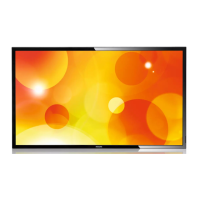
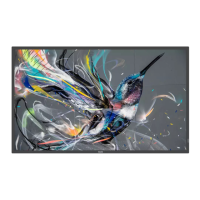
Connect a computer with one of the
following connectors:
Note
• Connections via DVI or VGA require an
additional audio cable.
• HDMI cable



 To Next Page