Home
Philips
TV
42PFL5403/77
Page 23 (Advanced Picture Features (Active Control))
Philips 42PFL5403/77 - Advanced Picture Features (Active Control); Configuring Active Control Modes
49 pages
Manual
Save Page as PDF
To Next Page
To Next Page
To Previous Page
To Previous Page
Loading...
23
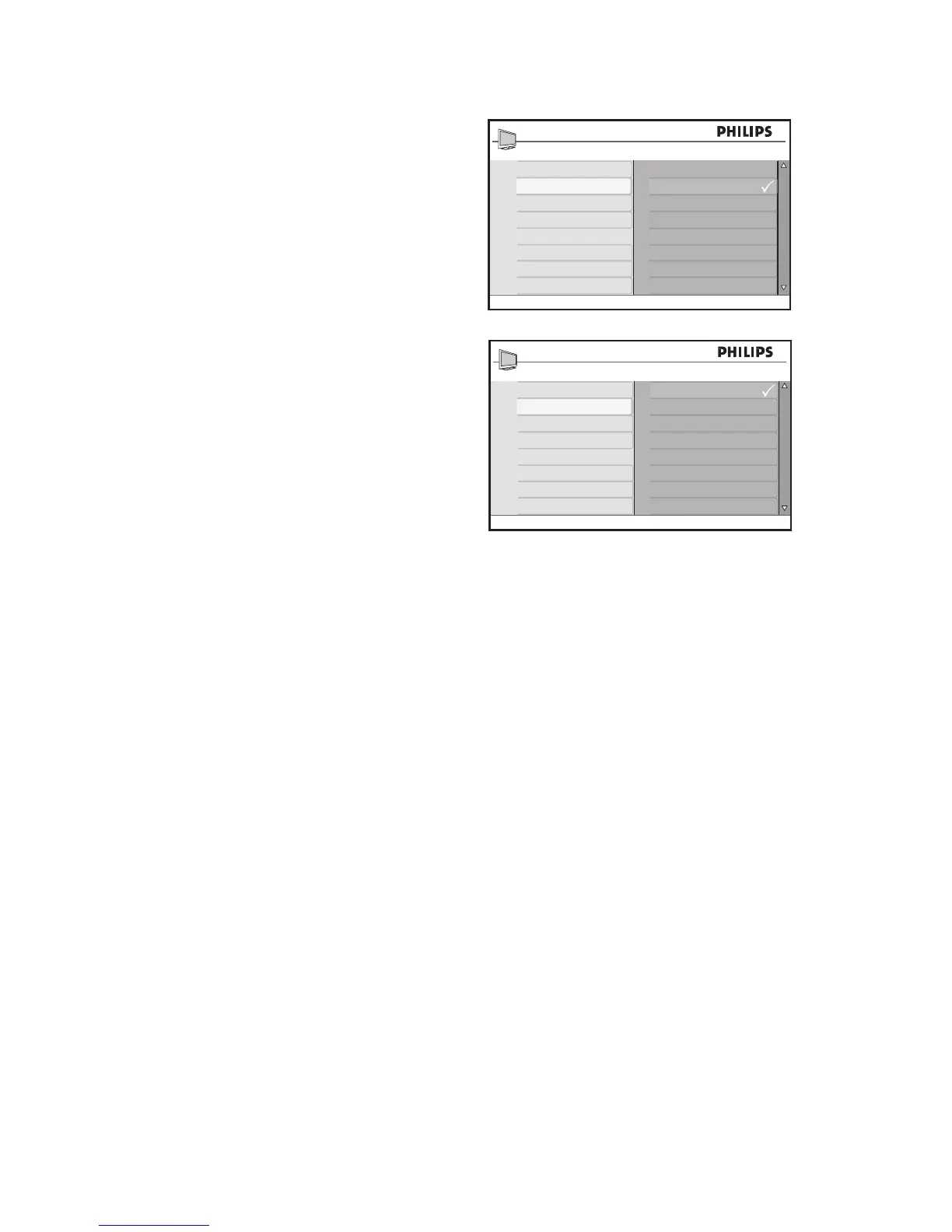
Advance Picture
Contrast +
Active Control
Off
On
On + Light Sensor
Advance Picture
Contrast +
Active Control
Off
On
On + Light Sensor
Use the Advance Picture features
Active Control settings
Off
•
:
Turns off Active Control.
On
•
:
Turns on Active Control.
On + Light Sensor
•
:
Uses a sensor to
adjust the picture brightness depending
on the room light conditions.
22
24
Table of Contents
Main Page
Pixel Characteristics
3
Table of Contents
4
Important
5
Screen Care
6
Environmental Care
6
Overview of Television Controls and Connectors
7
Side Controls
7
Side Connectors
7
Rear Connectors
7
Overview of Remote Control Keys and Functions
8
Get Started
10
Position the TV
10
Install the Remote Control Batteries
10
Use the Source List
11
Wall-Mount the TV
12
Secure the VESA-Compatible Wall Bracket to the TV
13
Select Your Location
14
Select Your On-Screen Menu Language (TV Mode Only)
14
Automatic Installation
15
Manual Installation
16
Change the Tuner Mode
16
Change the TV System
17
Fine Tune Your Channels
18
Name Your Channels
19
Store Your Favorite Channels
20
Adjust Your Picture Settings
21
Use the Advance Picture Features
22
Use Contrast
22
Use Active Control
22
Adjust Your Sound Settings
24
Use the Timer
25
Set the TV Time
26
Setting the TV Timer
27
Child-Lock the TV
29
Enable Child Lock
29
Disable Child Lock
29
Control Access to TV Channels
30
Access Parental Lock
30
Change Access Code
31
Lock Channels
32
Lock All Channels
32
Unlock All Channels
32
Control Access to TV Programs
33
Use the Movie Rating Lock (for Certain Regions Only)
33
Use the TV Rating Lock (for Certain Regions Only)
35
Unblock Programs
37
Block Other Programs
37
Turn on Closed Captions
38
Change Your Picture Format
39
Use Smart Mode Settings
40
Use the Surf Feature
41
Remove Channels from Surf List
41
Use Your TV as a Computer Monitor
42
Picture Settings (VGA Mode)
42
Feature Settings (VGA Mode)
42
Use Your TV in High Definition Mode
43
Connect the HD Equipment
43
Control the TV Settings in HD Mode
43
Use Mode Selection (for 480P, 720P and 1080P Formats Only)
44
Use Philips Easylink
44
Troubleshoot
45
Specifications
47
Connect Devices
48
Connection Overview
48
Antenna Input
48
Other manuals for Philips 42PFL5403/77
Quick Start Guide
1 page
Related product manuals
Philips 42PFL5403D
44 pages
Philips 42PFL5403D/85
96 pages
Philips 42PFL5405H/12
184 pages
Philips 42PFL5405H/05
184 pages
Philips 42PFL5405H/60
184 pages
Philips 42PFL5556/V7
34 pages
Philips 42PFL5506/V7
32 pages
Philips 42PFL5603D/12
3 pages
Philips 42PFL5624H/12
12 pages
Philips 42PFL5604H/12
109 pages
Philips 42PFL5007G/78
87 pages
Philips 42PFL3704D
8 pages






 To Next Page