43BDL4051T
36
II. Number0-9
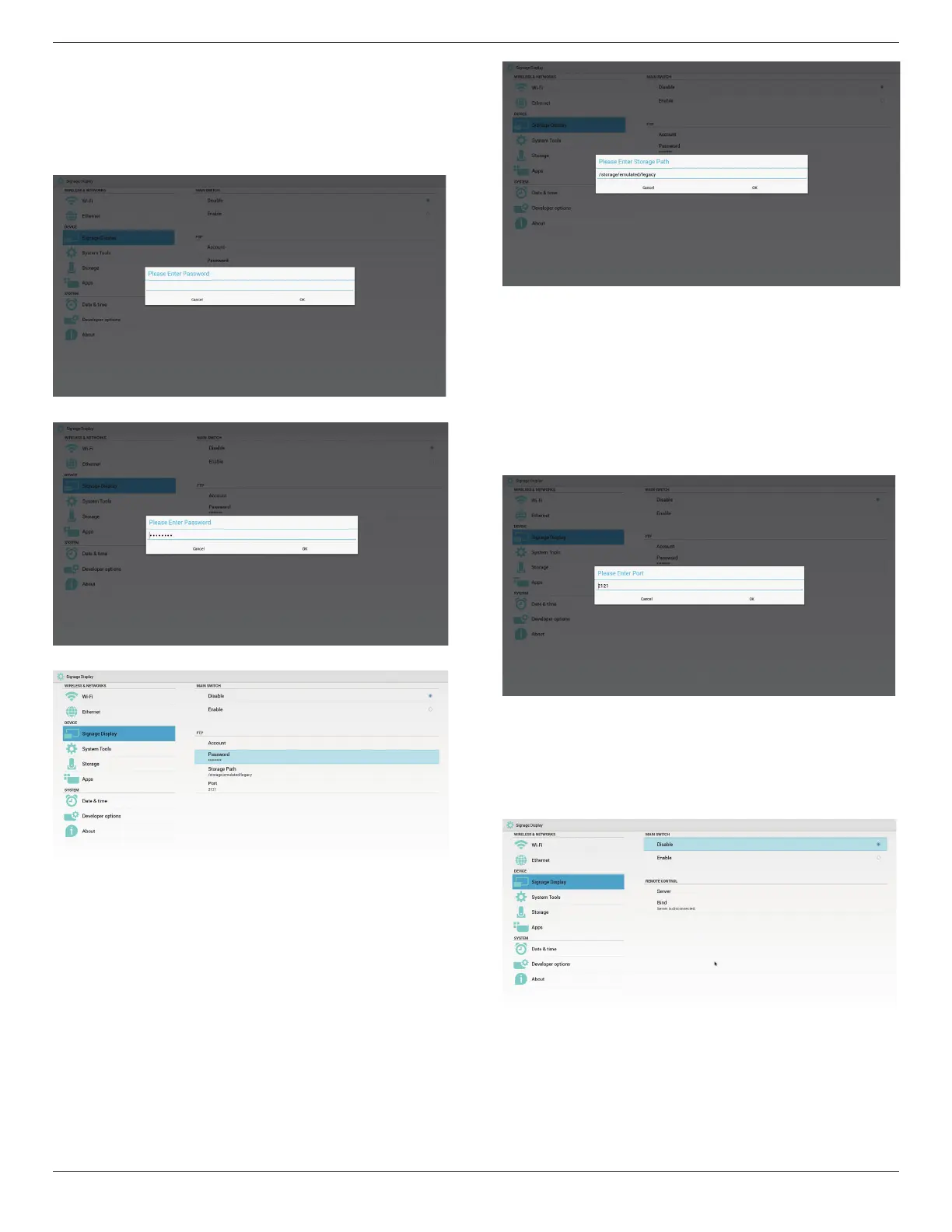
FTPpassworddisplay
(1)Willshow“*”symboltoinsteadpasswordifsetuppassworkvia
remotecontrol.
(2)Aftersetup,thepasswordtextwillshowas“*”symbol.Before
passwordinput:
Afterpasswordinput:
Setupcompletedscreen:
3)StoragePath
SetupFTPsharepath.:/storage/emulated/legacy
Note:
Inputlimitation
(1)Cannotsaveifthepathisinvalid
4)Port
SetupFTPportnumber.Default:2121
Note:
Inputlimitation
(1)Length:Max5characters
(2)Range:1-65535
(3)Format:
I. Number0-9
(4)Donotusetheport:5000
3.RemoteControl
ViaEnable/DisabletoControlRemoteControlOn/Off
UsercaninputServeraddress.Ifserverdoesnotregistered,itwillask
userforPINcode.
Bindstatus:
(1)Willshownetworkisdisconnectedifnotyetconnectstonetwork.
Bindstatus:
(2)WillshowServerisdisconnectedifnetworkconnectedbut
remotecontrolserverdisconnected.



 To Next Page