40
English
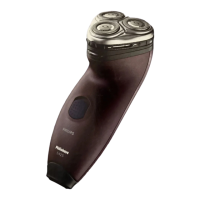
1 Switch on the shaver.
2 Rinse the shaving unit under a warm tap.
3 Switch o the shaver. Press the release
button to open the shaving unit.
4 Rinse the hair chamber under a warm
tap.
5 Rinse the shaving head holder under a
warm tap.
6 Carefully shake o excess water and
let the shaving head holder air-dry
completely.
7 Close the shaving unit.
Thorough cleaning
We advise you to clean the shaving heads
thoroughly once a month or when the shaver
does not shave as well as it used to.


 To Next Page
 Loading...