50
English
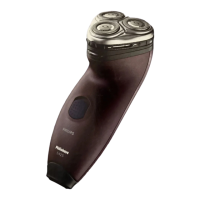
4 Slide the front shell o.
5 Break the bridge on top with a wire cutter.
6 Insert a at head screwdriver on either
side of the shaver body to release the
hooks.
7 Slide the power unit out of the body.
8 Bend the snap hooks aside and remove
the transparent cover of the power unit.


 To Next Page
 Loading...