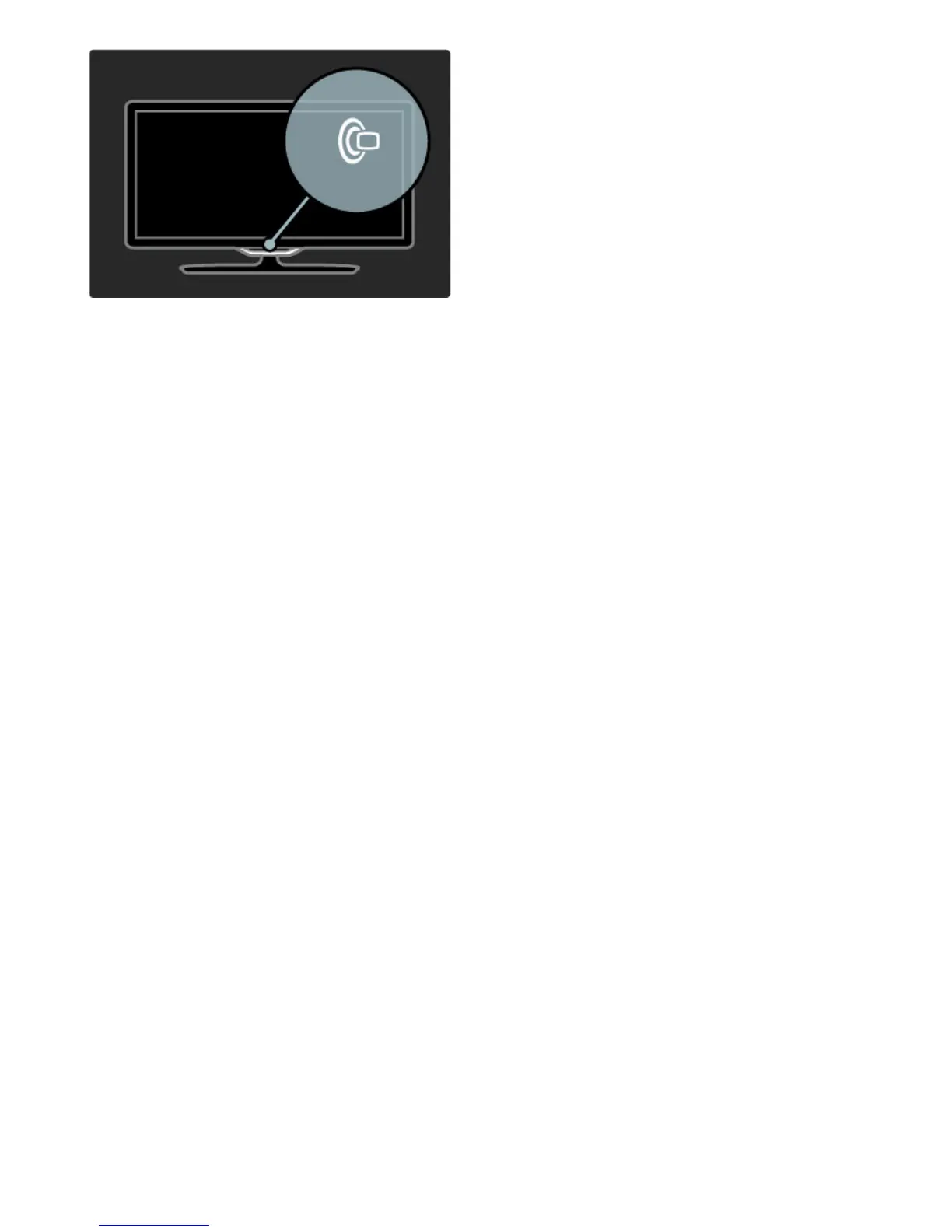
To change the Lounge light mood colour scheme, press J on the
TV again.
To switch off Lounge light mood, press and hold J on the TV for 3
seconds.
You can also set up the colour scheme in the Setup menu.
With the TV switched on, press h and select Setup. Select TV
settings > Ambilight > Lounge light mood. Select the colour
scheme with which Lounge light mood will start up.







 To Next Page