6.7 Network
Wireless network not found or distorted
• Microwave ovens, Dect phones or other WiFi 11b devices in your
neighbourhood might disturb the wireless network.
• Make sure that the firewalls in your network allow access to the
TV wireless connection.
• If the wireless network does not work properly in your home, try
the wired network installation. Read Help > Setup > Network >
Wired installation.
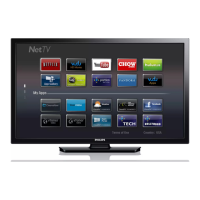
Net TV does not work
• If the connection to the router is OK, check the router connection
to the Internet.
Browse PC or Net TV work slow
• Look in your wireless router's user manual for information on
indoor range, transfer rate and other factors of signal quality.
• You need a high-speed Internet connection for your router.








 To Next Page