EasyManua.ls Logo

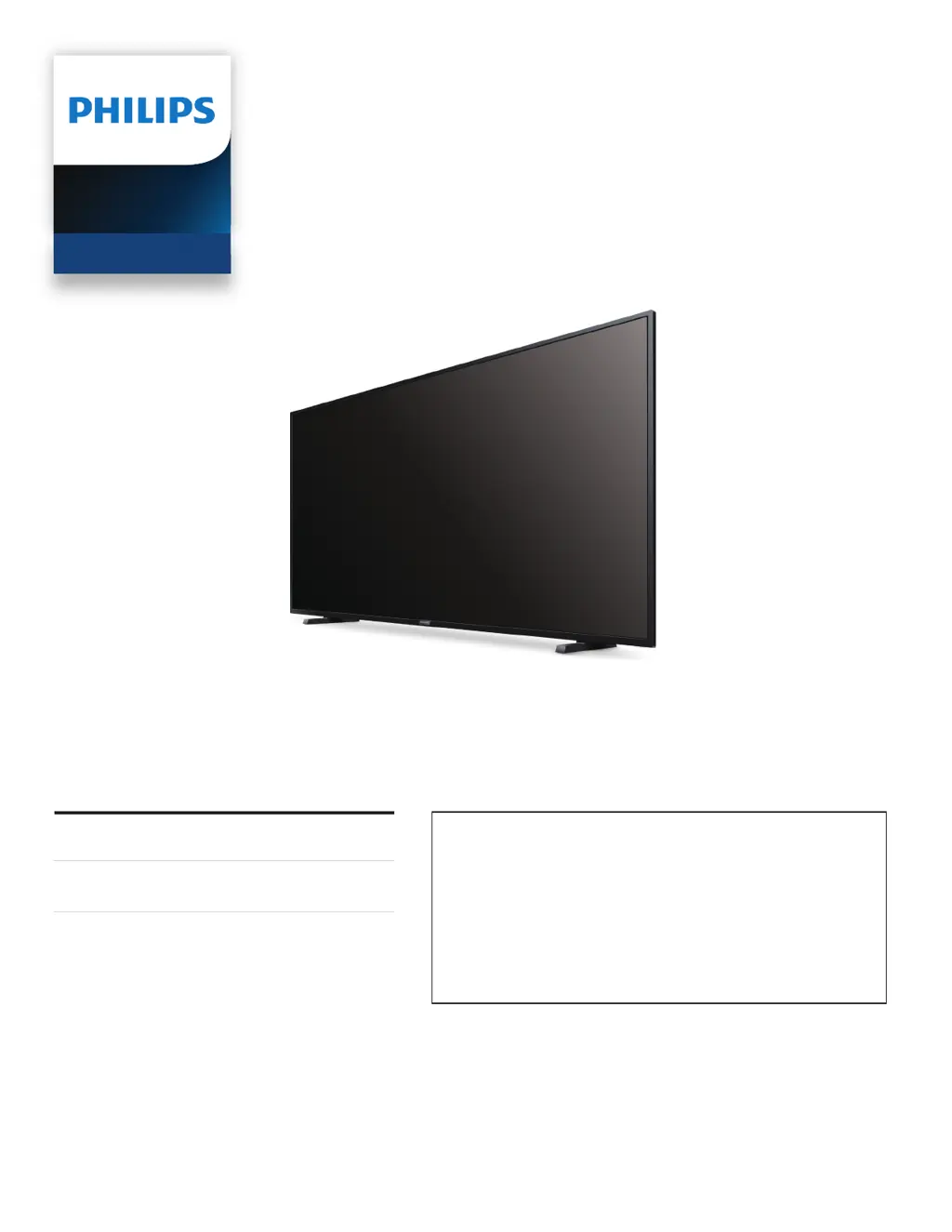
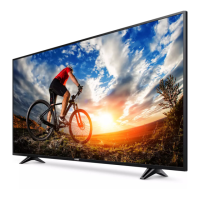
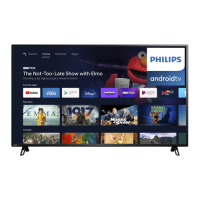
Philips 65PFL5504/F6 - User Manual

Philips 65PFL5504/F6
39 pages
Print Icon
To Next Page IconTo Next Page
Loading...
Telev isions
5504 series
EN
User manual
FR
Manuel d’utilisation
Register your product and get support at
www.philips.com/support
EN For further assistance, please call the customer support in your
country or check the Philips website for chat support.
To obtain assistance, contact Philips customer care center;
In the U.S.A., Canada, Puerto Rico, or the U.S. Virgin Islands
1 866 309 5962
FR Pour plus de l’aide, s’il vous plaît contactez le service clientèle de
votre pays ou consultez le site Web de Philips pour obtenir une
assistance par chat.
Pour obtenir de l’aide, communiquez avec le centre de service à la
clientèle Philips au;
Dans le États-Unis, au Canada, à Puerto Rico ou aux Îles Vierges
américaines; 1 866 309 5962

Other manuals for Philips 65PFL5504/F6

Questions and Answers

  • S
    Stacey SmithAug 8, 2025
    What to do if my Philips 65PFL5504/F6 has power but the screen image is off?
    • J
      Justin FrostAug 8, 2025
      Verify that your HDMI mode for the selected input matches the resolution output of your source device. Check if the connection for your source device is properly secured. Check if the correct input is selected by pressing the INPUTS button. Change source input until you have picture and sound.
  • J
    janet70Aug 13, 2025
    What to do if my Philips TV cannot connect to the network?
    • J
      John HicksAug 13, 2025
      Check if your router and/or modem is properly connected. Ensure the Ethernet cable connection between the TV and your router or modem is properly secured. Power cycle the router and/or modem. Also, check your network settings.
  • D
    denise30Aug 18, 2025
    Why is my Philips 65PFL5504/F6 data connection slow or buffering?
    • P
      Patrick JenkinsAug 18, 2025
      Check the settings between your router and ISP modem or gateway (if applicable). Connect to a stable wireless connection from home wireless or wired network. The use of mobile hot spots or public wireless connections is not recommended.
  • T
    tjohnstonAug 23, 2025
    Why is my Philips 65PFL5504/F6 speaking prompts out loud?
    • M
      Melissa LoveAug 23, 2025
      To disable the talkback (text to speech) on your Philips TV, press the HOME button on your remote control, navigate to the settings icon in the upper right corner of the home screen and select accessibility, select talkback, and press OK to toggle between on or off.
  • S
    Stephanie McdanielAug 28, 2025
    Why is the Philips 65PFL5504/F6 remote response delayed during initial use?
    • B
      Brad WelchAug 28, 2025
      Your Philips television is automatically downloading and installing the latest applications, for the best user experience. Upon successful installation, your remote control will operate normally.
  • J
    jonathan14Sep 1, 2025
    What to do if my Philips TV has no power?
    • J
      Jacob HinesSep 1, 2025
      Ensure that the AC outlet supplies the proper voltage. Plug another electrical appliance into the AC outlet to verify that the AC outlet operates normally. If a power failure occurs, unplug the AC power cord for 1 minute to allow the unit to reset.

Summary

Child Safety and TV Placement

Know These Safety Symbols

Explains the meaning of safety symbols like 'Caution' and 'Warning' for electrical hazards.

Child Safety: Proper TV Placement

Provides guidelines for safe TV placement to prevent injury, especially to children.

Wall or Ceiling Mount Your Television

Instructions and advice for securely mounting the TV to walls or ceilings.

Important Safety Instructions

Wall Mount Bracket Kit

Details requirements and responsibilities for installing wall mount brackets.

Notice

Federal Communications Commission Notice

Details FCC compliance for Class B digital devices and interference mitigation.

FCC;IC RF Exposure Compliance

Outlines compliance with FCC/IC radiation exposure limits and guidelines.

Getting Started

Features

Overview of TV capabilities: Google Assistant, Google Play, tuners, and display info.

Use Your TV

Getting More From Your TV

Useful Tips

Troubleshooting Tips

Guidance for resolving common issues with power, remote, picture, and sound.

Warranty

Philips 65PFL5504/F6 Specifications

General IconGeneral
Screen Size65 inches
Display TechnologyLED
Smart TVYes
HDMI Ports3
USB Ports2
Audio Output20W
Refresh Rate60Hz
HDRNo
Operating SystemSaphi
Built-in Wi-FiYes
BluetoothNo
Resolution1920 x 1080 pixels

Related product manuals