EasyManua.ls Logo

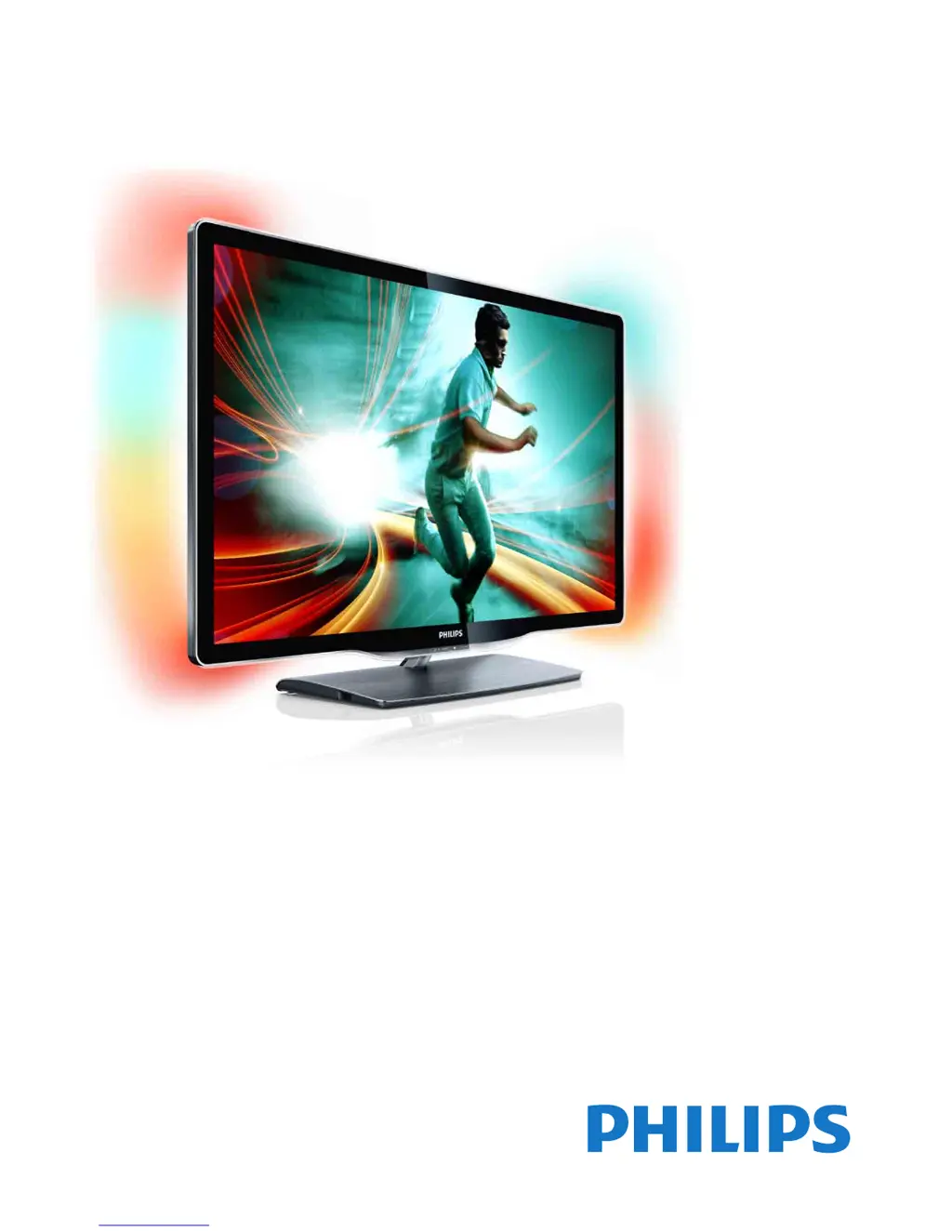
Philips 8000 Series - User Manual

Philips 8000 Series
85 pages
Print Icon
To Next Page IconTo Next Page
Loading...
!!!"#$%&%#'"()*+!,&()*,
-,.%'/,012)301#0)43(/15641.,/1'3##)0 /15/ 78881',0 %,'19*50/1:;<1=>
?8@A:7B8B
?B@A:7B8B
?B@A:7B7B
C',01*5635&

Other manuals for Philips 8000 Series

Questions and Answers

  • J
    Jamie HillSep 10, 2025
    What to do if Wi-Fi connection cannot be established on Philips Speaker System?
    • J
      Jessica MontesSep 10, 2025
      If a Wi-Fi connection cannot be established for your Philips Speaker System, try the following: * Check the availability of WLAN network on the router. * Place the Wi-Fi router closer to the unit. * Make sure the password is correct. * Check the WLAN function or reboot the modem and Wi-Fi router.
  • C
    Colleen ThompsonAug 22, 2025
    How to improve Philips Radio reception?
    • K
      Kelly KempAug 22, 2025
      If your Philips Radio isn't getting a good signal, try these steps: * Keep the radio away from other electronic devices that might cause interference. * Fully extend and adjust the position of the radio antenna. * If you are using Wi-Fi, check the network connection and rotate or adjust the position of the Wi-Fi antenna.
  • R
    Richard WoodwardAug 25, 2025
    Why do some Philips Radio stations not work sometimes?
    • R
      Ryan HillAug 25, 2025
      Some stations can only support a limited number of listeners. If some stations do not work on your Philips Radio, try again after a few minutes. Also, the station may not be broadcasting at the moment, so try again later.
  • K
    Kellie WilliamsAug 26, 2025
    Why do some Philips Radio stations disappear from the list?
    • S
      Shannon SmithAug 26, 2025
      When a station stops broadcasting on the Internet, it will be removed from the list on your Philips Radio. The radio will check constantly if the station is on the air. If it restarts broadcasting, it will be brought back to the station list.
  • K
    Karen BurnsAug 27, 2025
    How to fix no power on Philips Speaker System?
    • K
      Karl WilsonAug 27, 2025
      If your Philips Speaker System has no power, check the following: * Ensure that the AC cord is properly connected. * Ensure that there is power at the AC outlet. * Press the button on the remote control or soundbar to turn the soundbar on.
  • C
    claudia90Aug 29, 2025
    Why is my Philips 8000 Speaker System remote control not working?
    • T
      thomas44Aug 29, 2025
      If the remote control for your Philips Speaker System is not working, try these steps: * First select the correct source before pressing any playback control button. * Reduce the distance between the remote control and the unit. * Ensure the battery is inserted with correct polarities (+/-) as indicated. * Replace the battery. * Aim the remote control directly at the sensor on the front of the unit.
  • J
    Jennifer WardSep 18, 2025
    What to do if I cannot discover Play-fi supported devices from the app for Philips Speaker System?
    • D
      Diane HensleySep 18, 2025
      To resolve the issue of not being able to discover the Play-fi supported devices from the app with your Philips Speaker System, make sure the device is connected to the Wi-Fi.
  • S
    Sara SavageSep 12, 2025
    How to synchronize audio and video on Philips 8000 Speaker System?
    • C
      cassidyphillipsSep 12, 2025
      If the audio and video are not synchronized on your Philips Speaker System, press the button to synchronize the audio with the video.
  • J
    Jeanette JohnsonSep 8, 2025
    Why won't my Philips Radio connect to Wi-Fi?
    • L
      Laura PerezSep 8, 2025
      If your Philips Radio cannot connect to your Wi-Fi network, check if your wireless router is switched on and supports WPS. If it does, use the correct setup method (PBC or PIN) to connect. You can also configure the Wi-Fi settings again.
  • J
    Jeffrey AndersonSep 5, 2025
    What to do if my Philips Radio is not responding?
    • J
      josephnorrisSep 5, 2025
      If your Philips Radio isn't responding, try disconnecting and reconnecting the AC power plug, then turn the radio on again. Also, check to see if the radio is in standby mode; if it is, turn it on.

Summary

Basics

Remote Control

Overview of the remote control buttons, their functions, and battery replacement.

Watch TV

How to view TV channels, manage the channel list, and use program guide features.

3 D

Information and instructions for 3D viewing, including requirements and health warnings.

Connected Devices

How to connect and operate external devices using the TV.

Smart TV

Net TV

Accessing internet applications, services, and renting movies on the TV.

Interactive TV

Using interactive TV features, including HbbTV and digital text.

Pause TV and Recording

Features for pausing live TV broadcasts and recording programs using USB.

Setup

Software

Updating and managing the TV's software via internet or USB.

Connections

Network

Setting up wired and wireless network connections.

Troubleshooting

Contact Information

Where to find help if problems persist, including consumer care contact details.

TV and Remote Control

Troubleshooting common issues with the TV not switching on or responding to remote.

Picture and Sound

Troubleshooting picture quality issues and sound problems.

Specifications

Philips 8000 Series Specifications

General IconGeneral
BrandPhilips
Model8000 Series
CategorySpeaker System
LanguageEnglish

Related product manuals