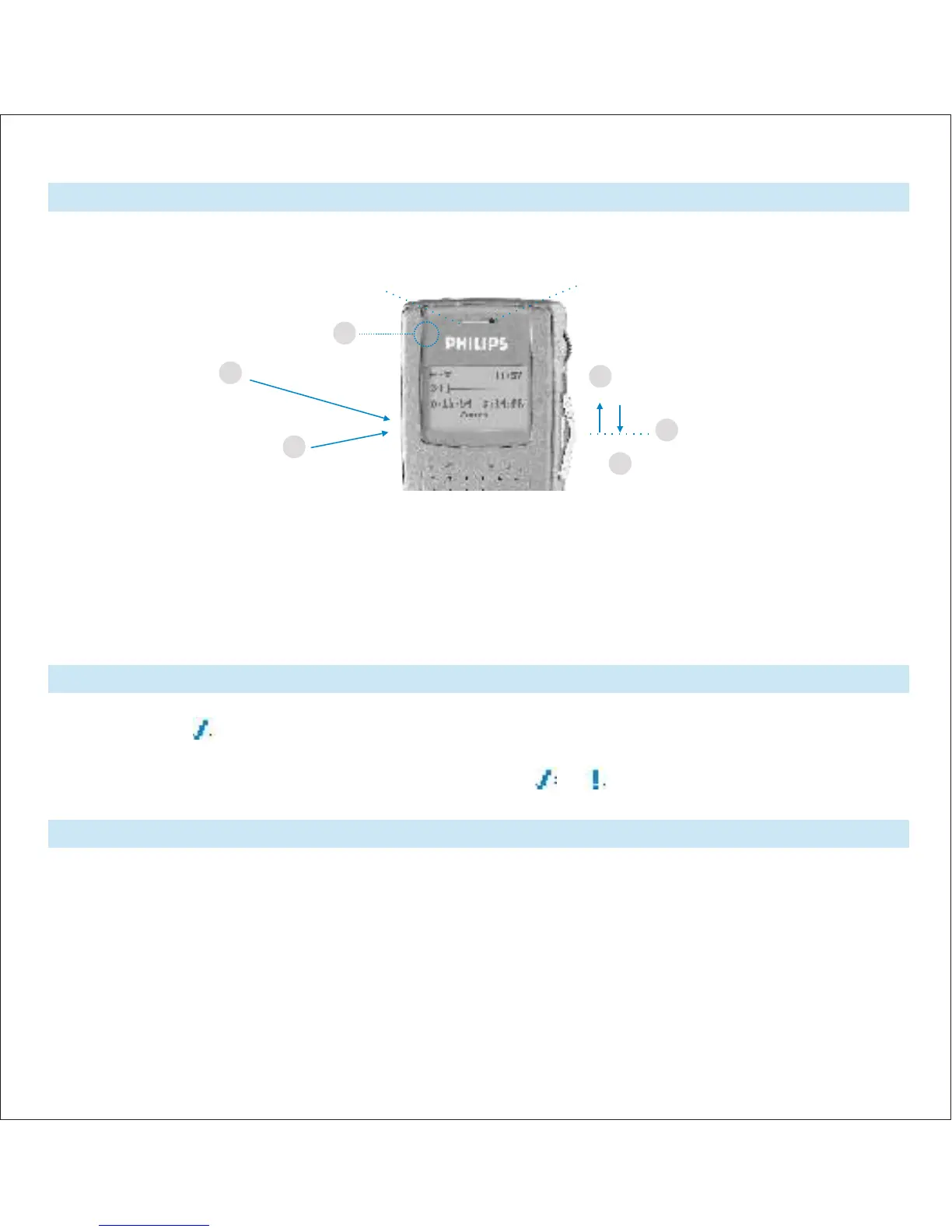
Recording
EOL (End-of-Letter) and Priority
Inserting Text
Recording for the first time with the DPM 9400: Check whether a memory card has been inserted into
the device and that the DPM has power, then unlock the 4-position switch = stop position.
Record standby:
Press the REC button =
record standby mode.
LED blinks red.
Ending the dictation
Press the EOL/P button (6): When you are finished with the dictation and do not wish to make any further changes. This only
functions if the 4-position switch is in the stop position and something has already been recorded to the file!
For short pauses:
Move the 4-position switch to the stop position. - Continuing recording: Move the 4-position switch back to the playback position.
Spoken Instruction:
Make sure the DPM is in Recording mode. Press and hold the DL/S button to dictate your instruction. Release the button to return to your
dictation.
• Pressing the EOL/P button once marks the current file as finished. The file is closed and assigned the
EOL symbol: .
• If you press the EOL/P twice within half a second, the current file is marked as finished and it is assigned
priority status. The file is closed and assigned the symbols: and .
After closing the file, the Pocket Memo automatically creates a new, empty file.
Inserting text into the current file: Move the playback cursor to the desired location in the file. Stop the
playback. Press the INS/OVR button followed by the REC button and move the 4-position switch back to the
playback position. Dictate your addition. LED is green.
Inserting text into a saved audio file: Select the corresponding file using the jog shuttle. To confirm the
file selection and access the file, press the jog shuttle. Unlock it by pressing on the EOL/P button, then follow
the steps as described above.
To end the process: Either move the 4-position switch to the fast-forward/reverse position or press
the REC button and don´t forget to end the insertion mode by pressing the INS/OVR button again.
(Press the EOL/P button again.)
1.
6.
MIC
4.
2.
5.
3.
(Recording: LED steady red)
(Inserting: LED green)
Hold the DPM approximately 10 centimetres
away from your mouth. Speak clearly.
Record Start:
Move the 4-position switch to the playback
position. LED steady red.
Stopping recording:
Press the REC button = stop mode
4-position switch in the stop position.
4-position switch back to the stop
position.
(EOL/P-button:
back side)
Quick Reference
Instruction manual













 To Next Page