Philips Electronics
-4 -
1.2 Initial setup
Remove the parts from the packaging
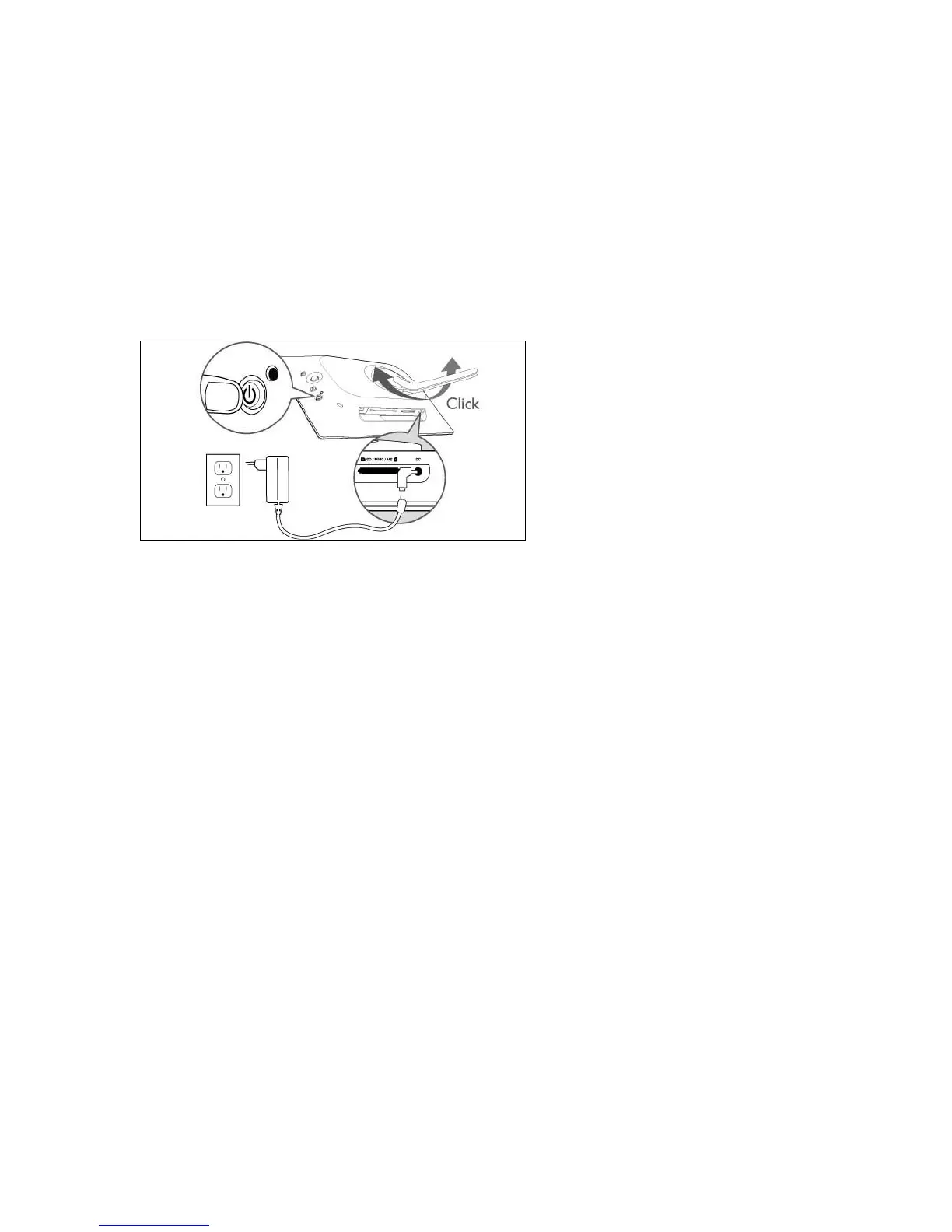
1.2.1 Connecting Power Source
Connect the supplied power cable from PhotoFrame™ to a power outlet.
The internal battery will start charging and the battery LED turns blue and flashes. This will take
approximately 3 hours.
Note: For safety reason and best stability Philips recommend to adjust the stand with the angle
defined by the two clicked position. Using other positions may cause the PhotoFrame™ to fall
and is under the entire responsibility of the user.



 To Next Page