18
English
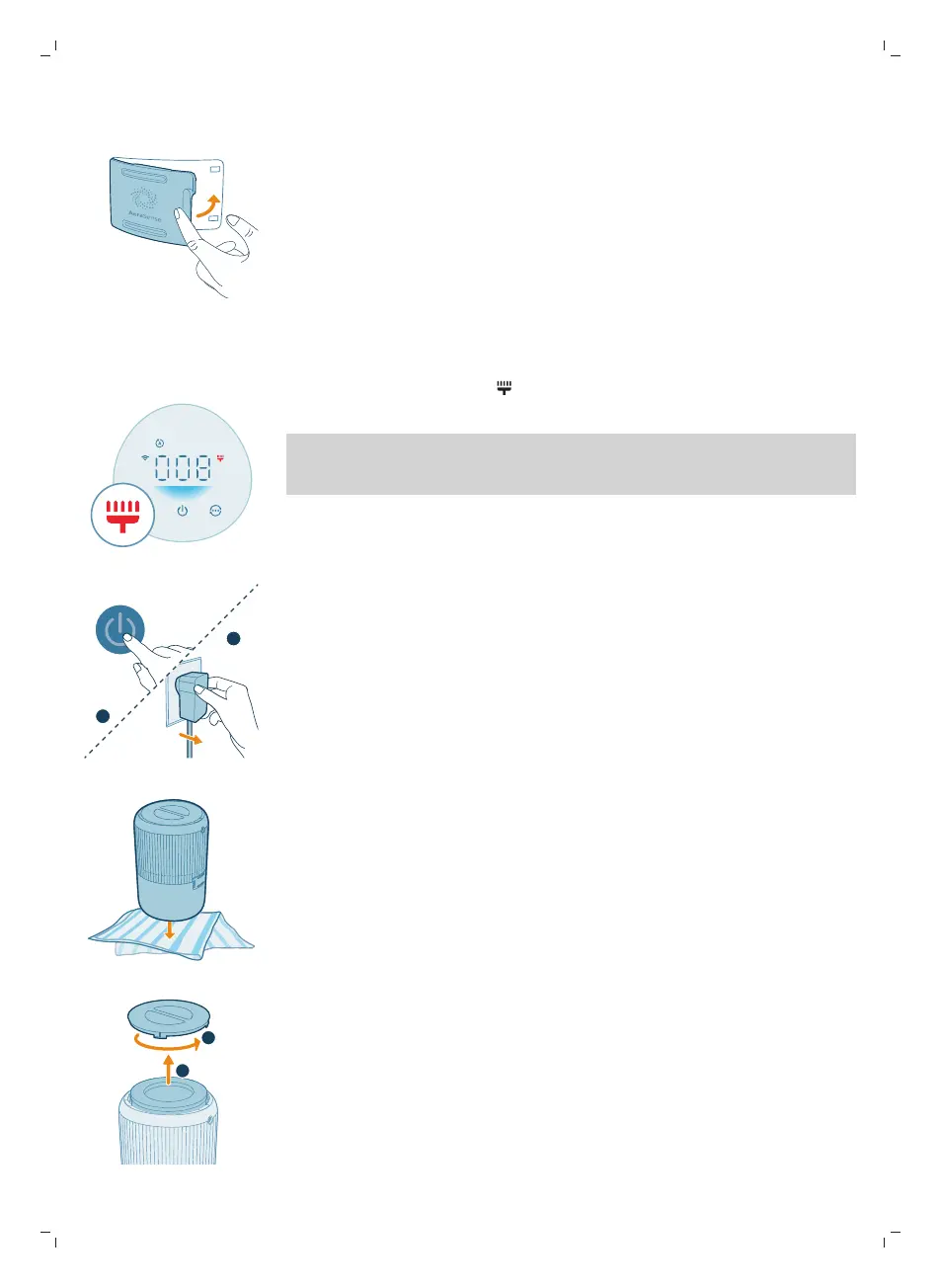
5 Close the air quality sensor.
Cleaning the surface of the filter
When the filter cleaning alert displays on the screen, clean the surface of the
filters with a vacuum cleaner.
Note: We recommend people who are allergic to dust, pollen, pets or mold, not
to replace filters by themselves or to take protective measures, such as wearing a
mask and gloves.
1 Switch off the air purifier and unplug from the power socket.
2 Turn the appliance upside down and place it on a soft cloth.
3 Rotate the base anti-clockwise to remove it from the appliance. Pull the filter
out from the appliance.



 To Next Page