49EN
1 Take the wick wheel off the wick
support.
2 Grip the shaft screw on the
other side of the wheel, rotate it
anticlockwise to release the wick
from the wheel.
3 Unfasten the locks on the edge
of the wheel successively to
disassemble the wick wheel.
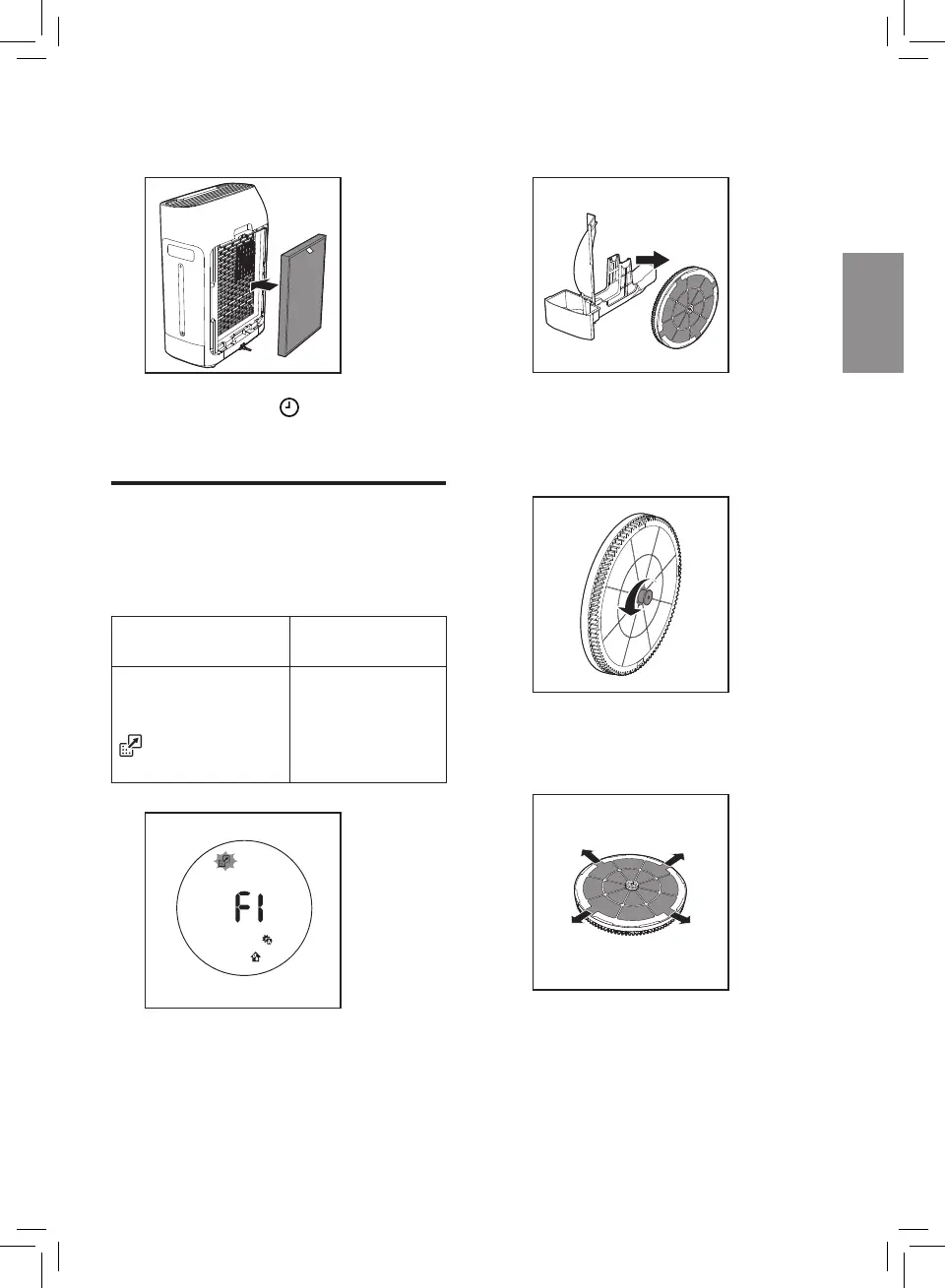
3 Place the new NanoProtect filter
into the appliance.
4 Touch and hold for 3 seconds to
reset the NanoProtect filter lifetime
counter .
Replacing the
NanoCloud rotary
humidification wick
Filter alert light
status
Follow this
F1 is displayed
and the filter
replacement light
flashes on the
screen.
Replace the
NanoCloud
rotary
humidification
wick







 To Next Page