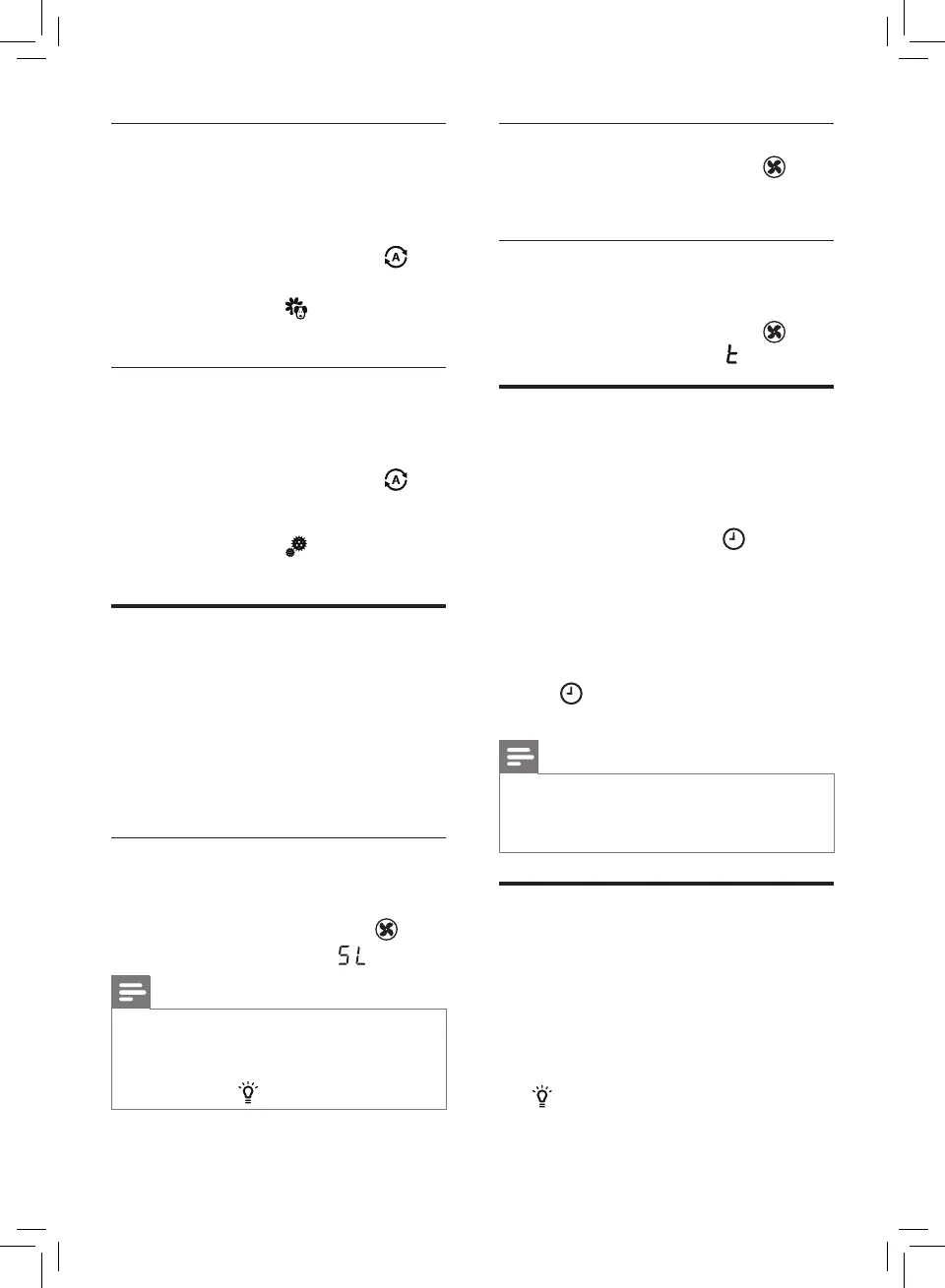
8 EN
Allergen mode
The extra-sensitive allergen mode
is designed to react to even a small
change in allergen levels in the
surrounding air.
• Touch the Auto mode button
to
select the Allergen mode (g. m).
» Auto (A) and
display on the
screen.
Bacteria & Virus mode
The bacteria & virus mode boosts the
airow to quickly reduce bacteria &
viruses.
• Touch the Auto mode button
to
select the Bacteria & Virus mode
(g. n).
» Auto (A) and
display on the
screen.
Changing the fan speed
In addition to the Auto modes, there are
several fan speeds available.
When using the manual fan speed
settings, the purier will still monitor the
air quality, but it will not automatically
adjust the fan speed if it detects
changes in the air quality.
Sleep (SL)
In sleep mode, the air purier operates
quietly on a very low speed.
• Touch the fan speed button
to
select the sleep mode (
) (g. o).
Note
• All the lights will go o in sleep
mode.
• You can turn on the lights manually
by touching .
Manual
• Touch the fan speed button
repeatedly to select the fan speed
you need (g. p).
Turbo (t)
In turbo mode, the air purier operates
on the highest speed.
• Touch the fan speed button
to
select the turbo mode (
) (g. q).
Setting the timer
With the timer, you can have the air
purier operate for a set number of hours.
When the set time has elapsed, the air
purier will automatically switch o.
• Touch the timer button
repeatedly to choose the number
of hours you want the air purier to
operate (g. r).
» The timer is available from 1 to
12 hours.
To deactivate the timer, touch the timer
button
repeatedly until "---" displays
on the screen.
Note
• If you set the timer once, next time
you use the timer, it starts from the
previous setting time.
Using the light on/o
function
With the light dimming button, you can
switch on or o the air quality light,
the display screen and the function
indicator if desired.
1 Touch the light dimming button
once, the air quality light will be
dimmed.



 To Next Page