5EN
3 Getting started
Installing the lters
Note
• Make sure the air purier is
unplugged from the electrical outlet
before installing the lters.
• Make sure the side of the lter with
the tag is pointing towards you.
1 Pull the bottom part of the front
panel to remove it from the air
purier (g. c).
2 Press the two clips down (1) and pull
the pre-lter towards you (2)
(g. d).
3 Remove all lters (g. e).
4 Remove all packaging materials
from the lters (g. f).
5 Place the thick lter (FY2422) into
the air purier and then the thin AC
lter (FY2420) (g. g). The model
numbers are shown on each lter.
6 Attach the pre-lter back into the
air purier (g. h).
Note
• Make sure the side with the two
clips is pointing towards you, and
that all hooks of the pre-lter are
properly attached to the purier.
7 Reattach the front panel by pressing
the top part of the panel onto the
top of the air purier (1). Then, gently
push the panel against the body of
the air purier (2) (g. i).
8 Wash your hands thoroughly after
installing lters.
2 Your air purifier
Congratulations on your purchase, and
welcome to Philips!
To fully benet from the support that
Philips oers, register your product at
www.philips.com/welcome.
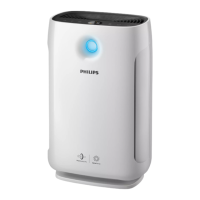
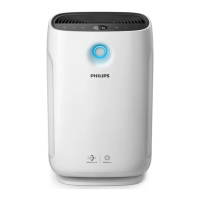
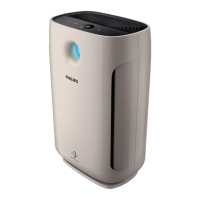
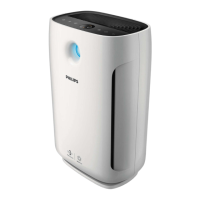
Product overview (g. a)
A Air outlet
B Control panel
C Air quality light
D Air quality sensors
E
NanoProtect lter HEPA Series 3
(FY2422)
F
NanoProtect lter Active Carbon
(FY2420)
G Pre-lter
H H1, H2 and H3 air inlets
I Front panel
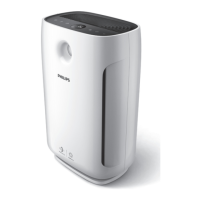
Controls overview (g. b)
J On/O button
K Light dimming button
L Auto mode button
M Display screen
N Pollution mode icon
O Allergen mode icon
P Bacteria & Virus mode icon
Q Fan speed button
R Timer button
S Reset button



 To Next Page