10
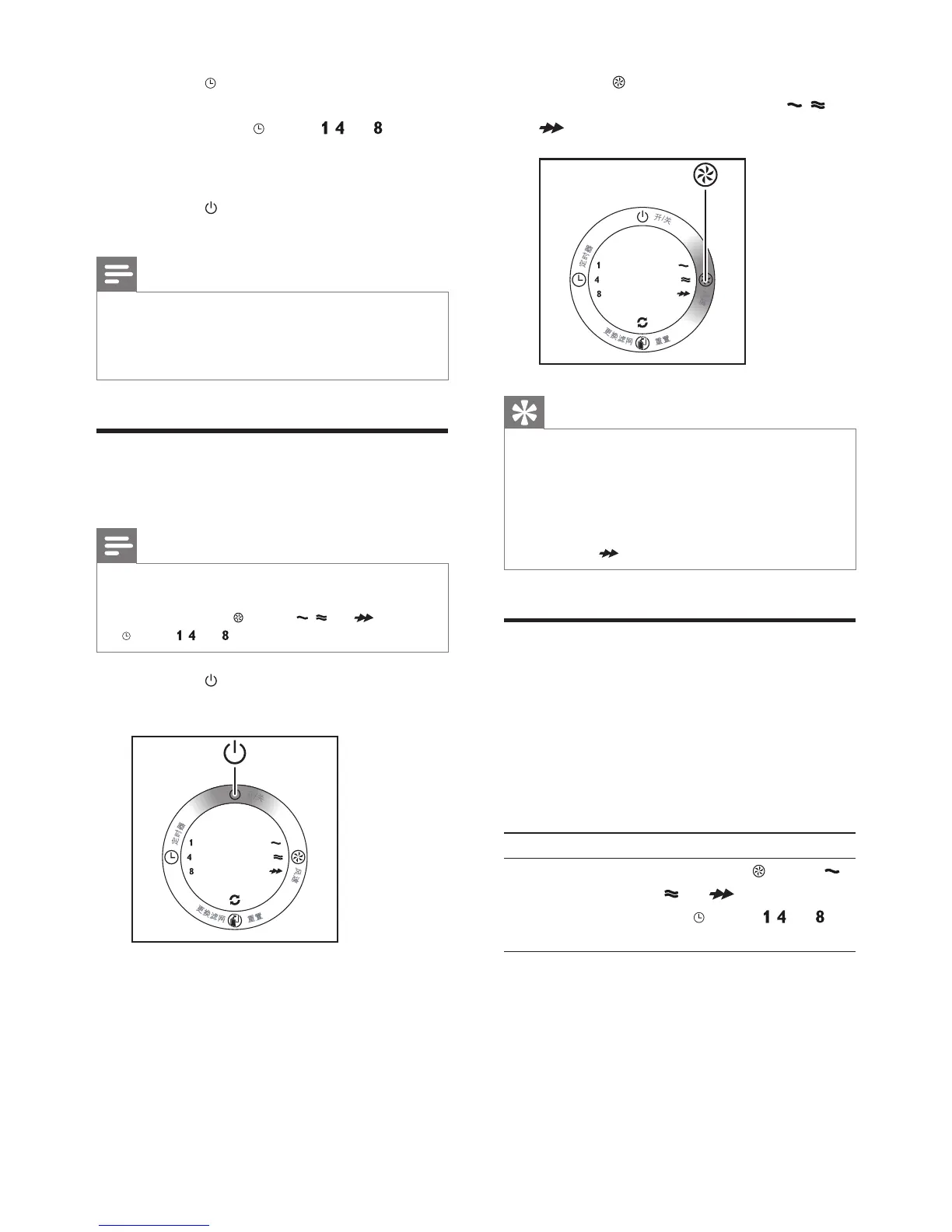
2 Press the button once or more times
to select the desired fan speed (
, , or
).
Tip
•
If the air quality light is in blue color, this means
the air quality is good, and you can select a
lower fan speed.
• On the other hand, if the air quality light is
in red or in purple color, this means the air
quality is bad or fair. You can select the turbo
fan speed
to clean the air quickly.
Set the timer
With the timer function, you can let the purier
operate for a set number of hours. When the
set time has elapsed, the purier automatically
switches off.
You can use the timer function in following
situation:
Situation You will see
Choose a fan
speed (see ‘Change
the fan speed’)
One of the
lights ( ,
, or ) and one of
the
lights ( , , or )
are on.
2 Press the
button to adjust the
sensitivity level of the air quality sensor.
» One of the
lights ( , , or ) goes
on to show the set sensitivity level of
the air quality sensor.
3 Press the
button to switch off the
purier.
Note
•
When you change the sensitivity, the purier
automatically starts operating at the set
sensitivity level whenever you switch on the
purier.
Change the fan speed
You can select the desired fan speed.
Note
•
When you select a fan speed, you can also use
the timer function (see “Set the timer”). In this
case, one of the
lights ( , , or ) and the
light ( , , or ) are on.
1 Press the
button to switch on the
purier.
EN



 To Next Page