Tip
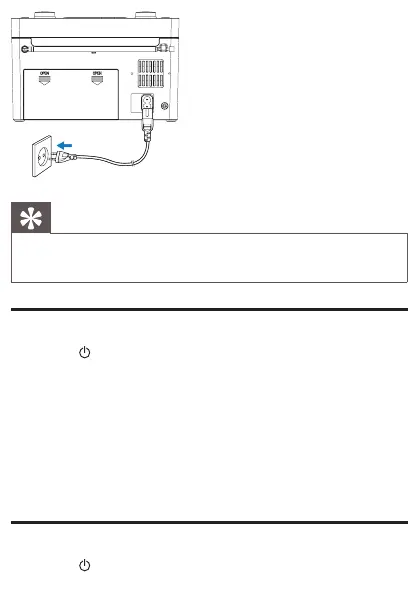
When the main unit is powered by AC mains supply, the backlight •
always turns on.
Set time
1 Press to turn off the radio.
2 Press and hold PROG/AUTO SCAN.
The hour digits begin to blink. »
3 Rotate TUNING to set the hour.
4 Press PROG/AUTO SCANtoconrm.
The minute digits begin to blink. »
5 Rotate TUNING to set the minute.
6 Press PROG/AUTO SCANtoconrm.
Turn on
1 Press to turn on the radio.


 To Next Page