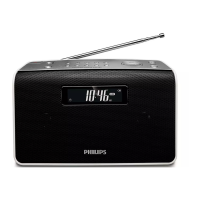
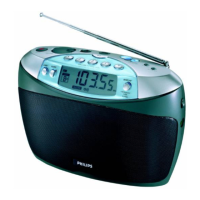
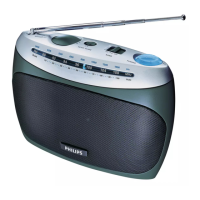
c VOLUME
Adjust volume. •
d
Turn on/off radio.•
e 1 - 10
Select number for a preset radio station. •
Select a preset radio station. •
f Display panel
Show the time/radio information.•
g BAND
Select FM or MW band. •
h TUNING
Tune to a radio station. •
Adjust hour/minute digits.•
i PROG/AUTO SCAN
Program preset radio stations. •
Scan and store radio stations automatically. •
Set time. •
3 Get started
Caution
Use of controls or adjustments or performance of procedures other •
than herein may result in hazardous radiation exposure or other
unsafe operation.
Always follow the instructions in this chapter in sequence.


 To Next Page