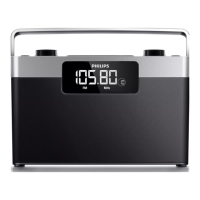
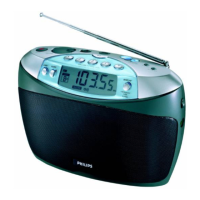
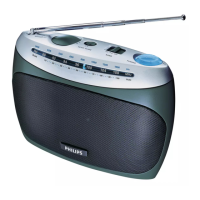
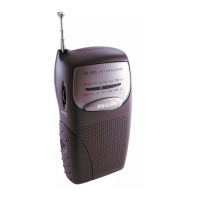
English Controls
Congratulations on your purchase and
welcome to Philips!
To fully benifit from the support that
Philips offers, register your product at
www.philips.com/welcome.
Supplied Accessories
–1 x AC/DC certified switching adapter
(PHILIPS, Model No.: ED4120090060A,
Input: 230V~ 50Hz, 70mA,
Output: 9V, 600mA)
– Audio cable
Top & front panels (see 1 )
1
2
–
switches on/off the standby mode
2
AUTO SCAN
– in FM, MW, LW, and SW
mode,
scans sta-
tions and stores them as presets automati-
cally
3
Number Keys
–
press and hold to store preset stations
4
SLEEP
–
switches the set off automatically after the
set time
5
Telescopic antenna
–
improves radio reception
6 VOLUME +/–
– adjusts volume level
7
DISPLAY
–
displays time or radio frequency
TUNING
1 / 2
– in FM/MW/LW/
SW
mode, fine tunes a sta-
tion
SOURCE
–
selects FM, MW, LW, SW, or AUX mode
Side panel (see 1)
8
SET TIME
– in
standby mode, sets the clock
9
TIMER/SET TIMER
– sets the time to switch on or off the set
automatically
– activates or deactivates timer
0
LOCK
– disables all other keys
!
p
– 3.5 mm stereo headphone socket
@
LINE IN
– inlet for external sound source
#
DC jack
– inlet for power cord
CAUTION
High voltage! Do not open.You run
the risk of getting an electric shock.
The machine does not contain any
user-serviceable parts.
Modification of the product could
result in hazardous radiation of
EMC or other unsafe operation.
This set complies with the radio
interference requirements of the
European Union.


 To Next Page