3 Push back the battery cartridge, then close
the battery compartment.
Note
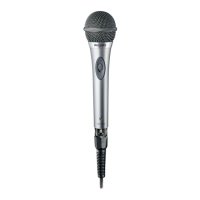
• If you are not going to use the microphone for a long
time, remove the batteries.
• New batteries installed in the microphone support up
to 30 hours of continuous use.
• Whenthepowerindicatorashesred,itindicatesthat
the power level is low and you need to replace the
batteries.




 To Next Page